ZapSMTP / Templates / Info
Newsletter email template
Subject in this example: “This month at Halden”. It has no variables: edit the text and send it as it is.
Using a template takes a free account (3,000 emails/month · 100/day · No credit card required); you start from this design in the editor. The preview shows Halden Outfitters demo data.
Rendered at 640 px, as a desktop client shows it.
What it says
Plain-text version
Shop: https://haldenoutfitters.com/shop
New: https://haldenoutfitters.com/new
Sale: https://haldenoutfitters.com/sale

OCTOBER 2026

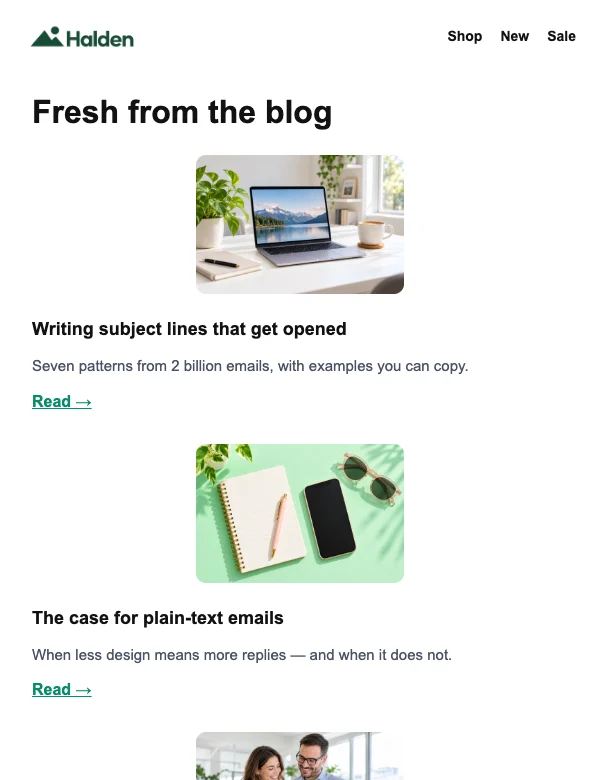
THIS MONTH AT HALDEN

HOW WE REBUILT OUR SEARCH

Search is now ten times faster and understands typos. Here is how the team did it in six weeks, and what we learned on the way.

Read the story: https://haldenoutfitters.com/blog/search

NEW: SHARED INBOXES

Answer customers together without stepping on each other.

Read more → (https://haldenoutfitters.com/blog)

WEBINAR: DELIVERABILITY

Join us live on November 5 for tips from our experts.

Read more → (https://haldenoutfitters.com/blog)

----------

TIP OF THE MONTH

Press ⌘K anywhere in the app to jump to any page.

Facebook: https://facebook.com/
Instagram: https://instagram.com/
X: https://x.com/
LinkedIn: https://linkedin.com/

Halden · 1 Market Street, San Francisco, CA 94105

You are receiving this email because you signed up at Halden. Unsubscribe (#)

Sent with (https://zapsmtp.com/?utm_source=zapsmtp_email&utm_medium=email&utm_campaign=sent_with_zapsmtp&utm_content=newsletter)https://zapsmtp.com/?utm_source=zapsmtp_email&utm_medium=email&utm_campaign=sent_with_zapsmtp&utm_content=newsletter
Send it
Publish the template, then pass its ID or alias and the variables with each send. How templates work