ZapSMTP / SMTP relay

Your stack. Our SMTP relay.

Connect your existing mailer with separate SMTP credentials for every application or environment.
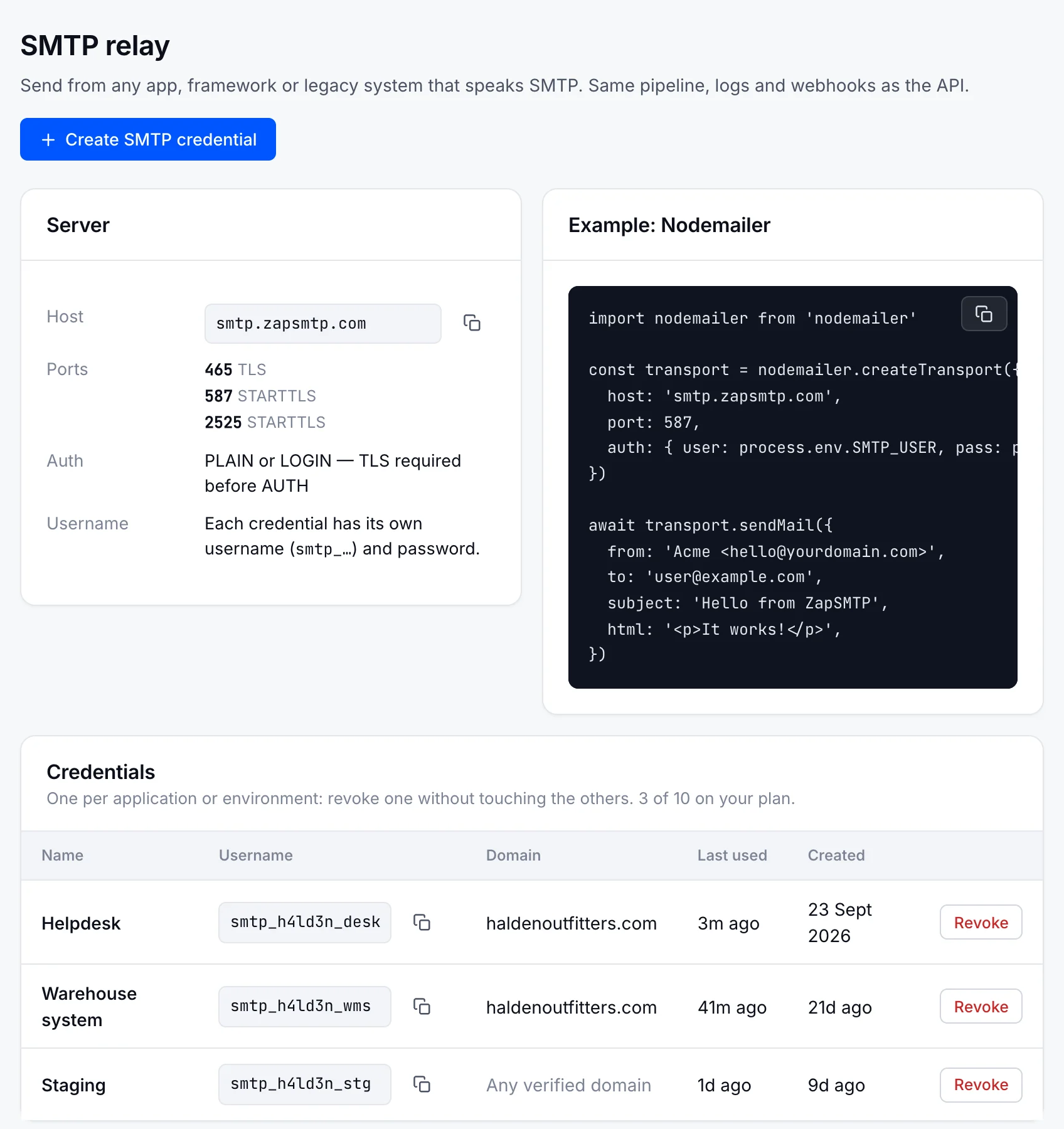
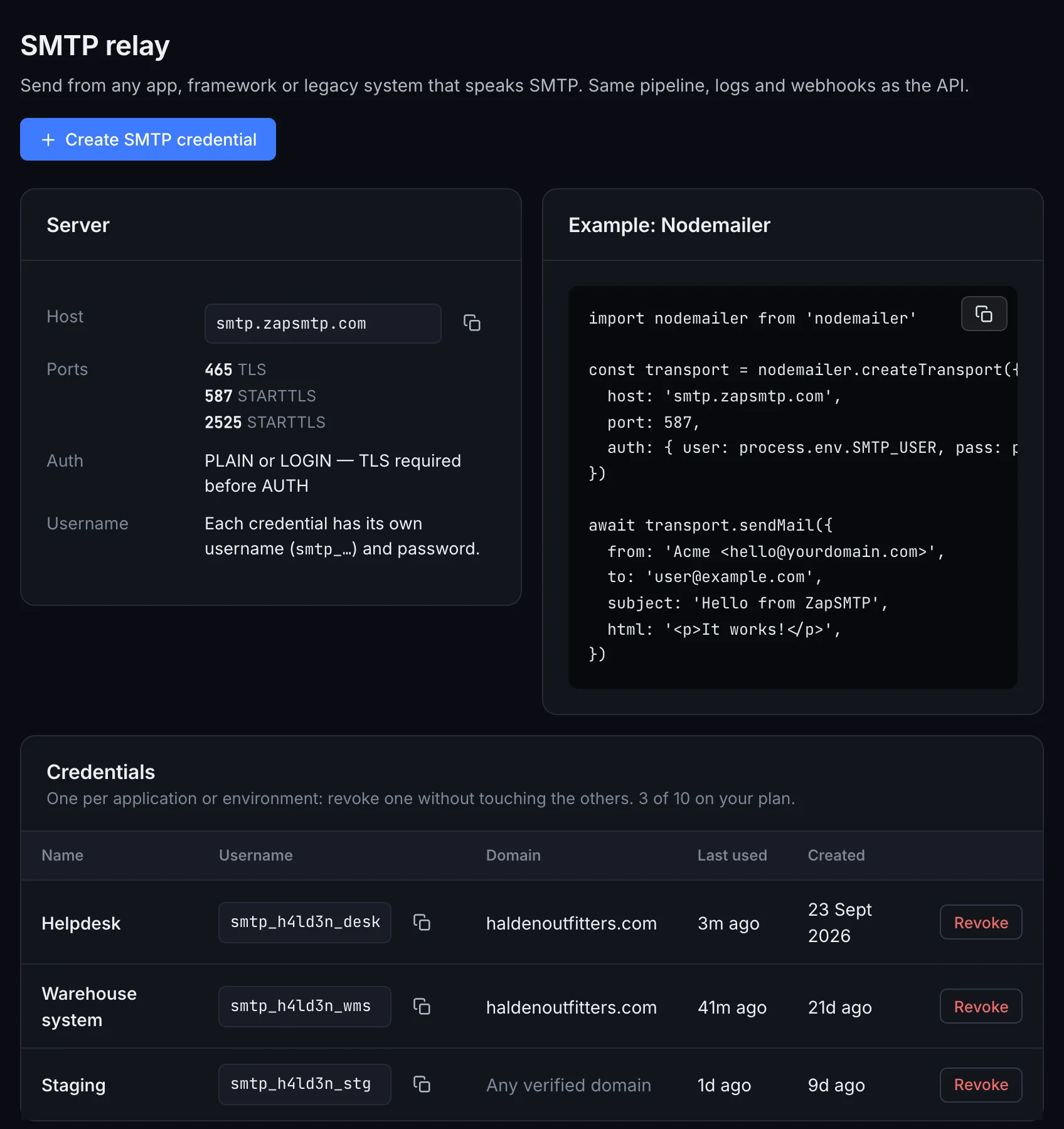
The ZapSMTP SMTP relay page: host smtp.zapsmtp.com, ports 465, 587 and 2525, a Nodemailer example, and Halden’s credentials for the helpdesk, the warehouse system and staging.The ZapSMTP SMTP relay page: host smtp.zapsmtp.com, ports 465, 587 and 2525, a Nodemailer example, and Halden’s credentials for the helpdesk, the warehouse system and staging.

Authenticate
your domain.

Add the DKIM, SPF and DMARC records once; ZapSMTP checks them for you.

Domain setup
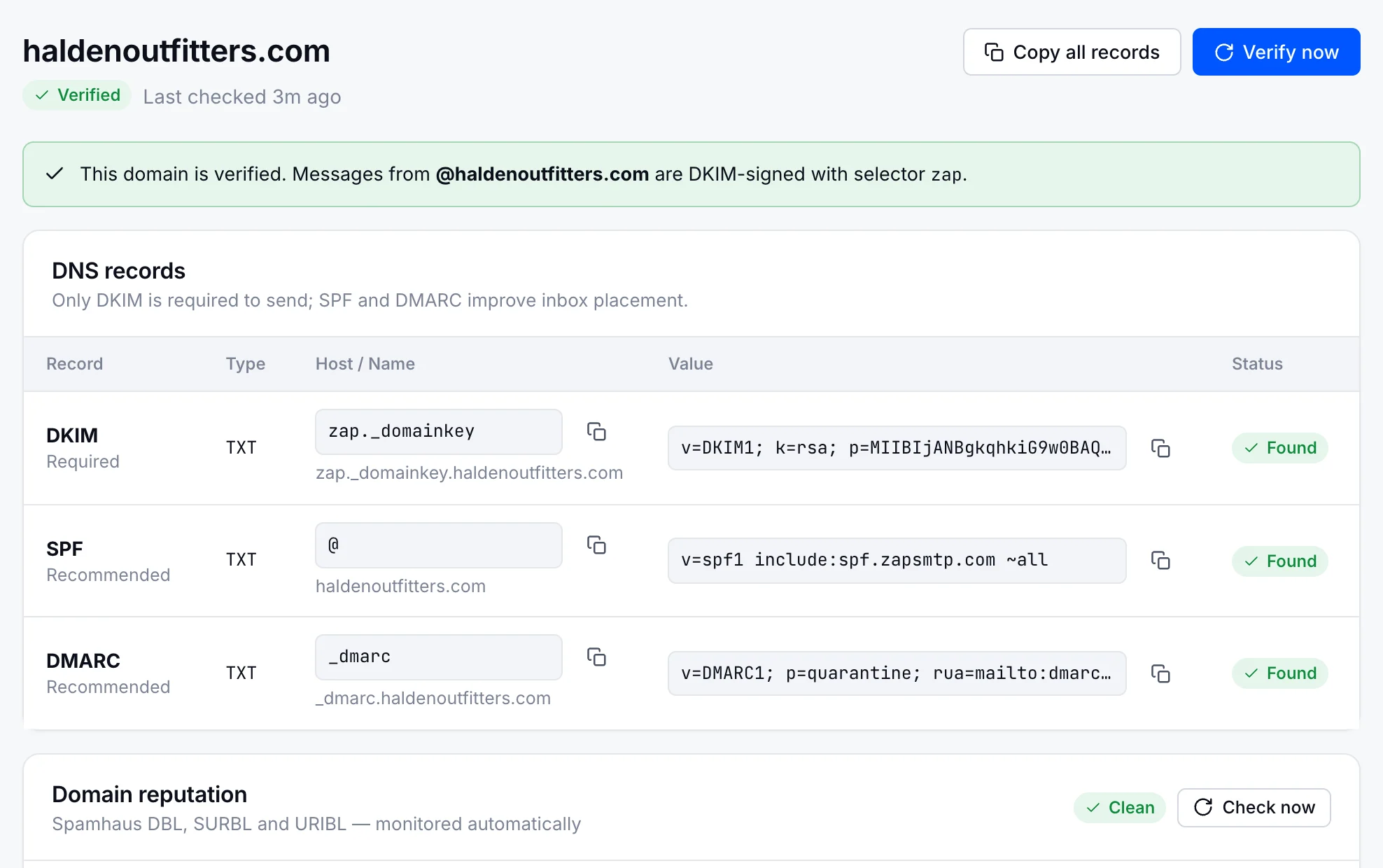
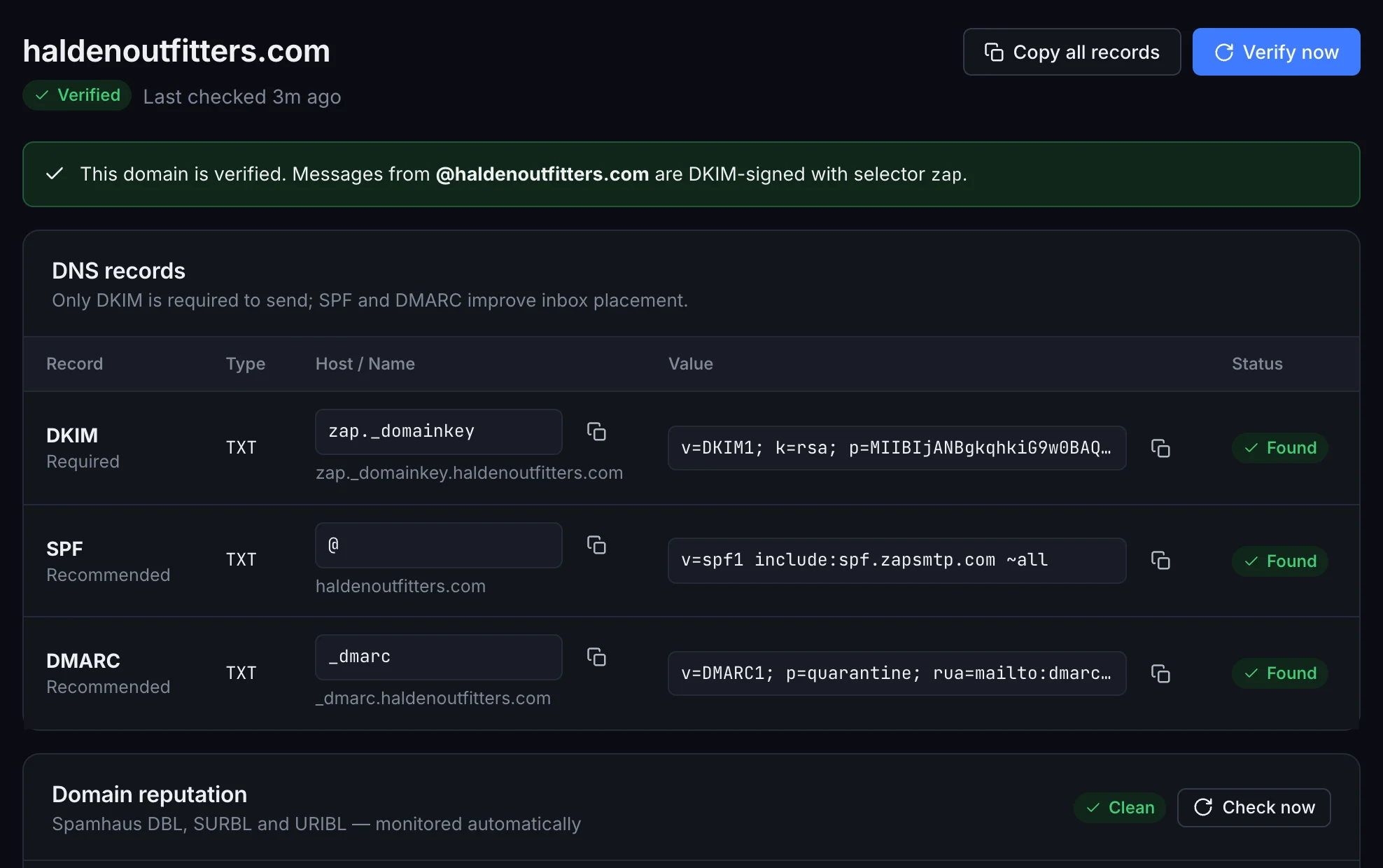
haldenoutfitters.com in ZapSMTP: verified, DKIM, SPF and DMARC records found, and a clean domain reputation.haldenoutfitters.com in ZapSMTP: verified, DKIM, SPF and DMARC records found, and a clean domain reputation.
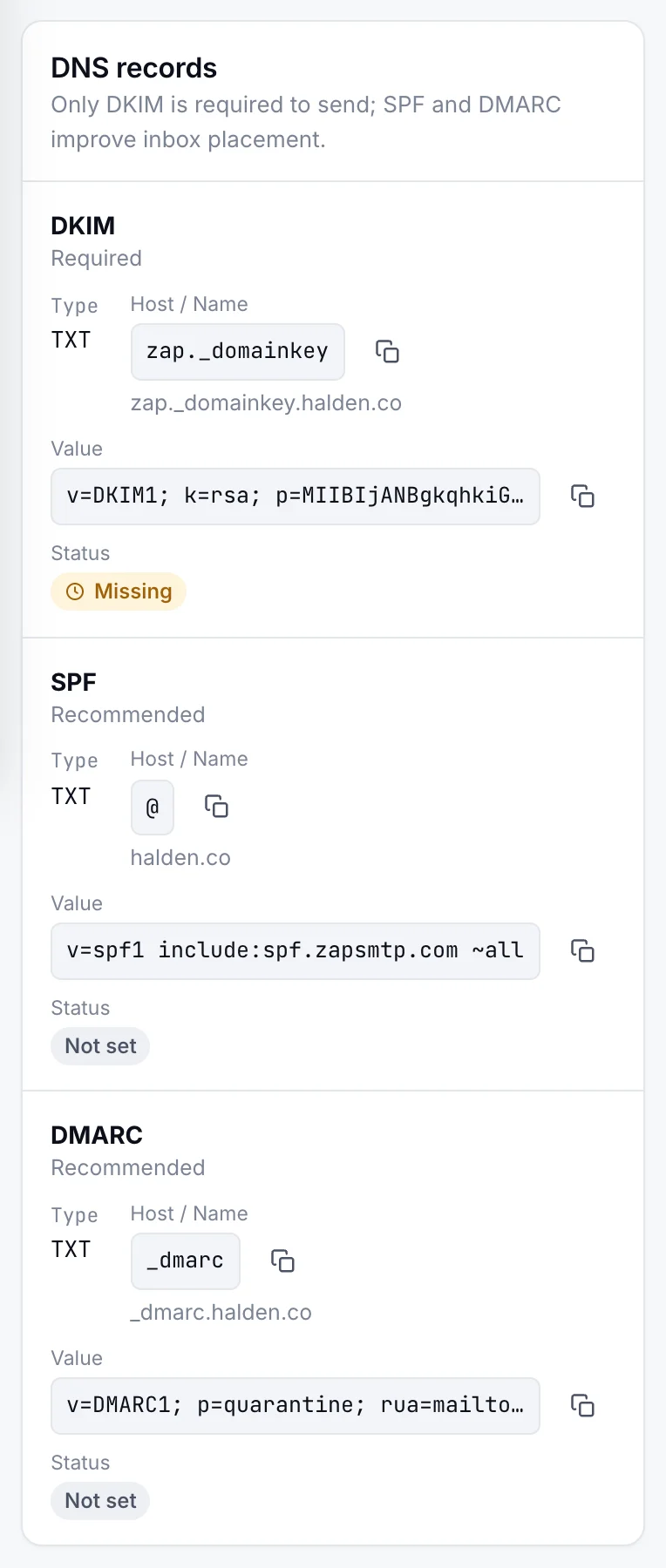
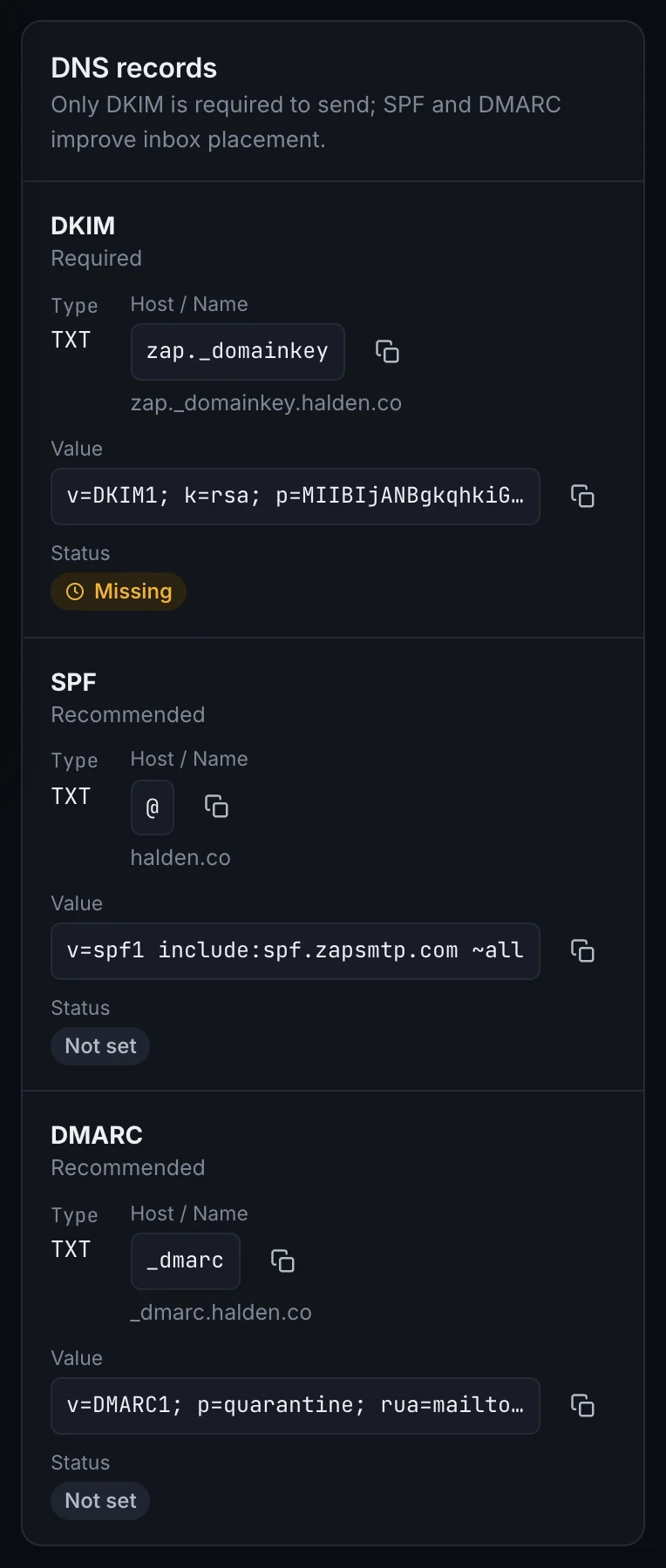
The DNS records to add for a new domain, on a phone.The DNS records to add for a new domain, on a phone.

Find what
your mailer sent.

SMTP sends land in the same log as API sends, with the same statuses and search.
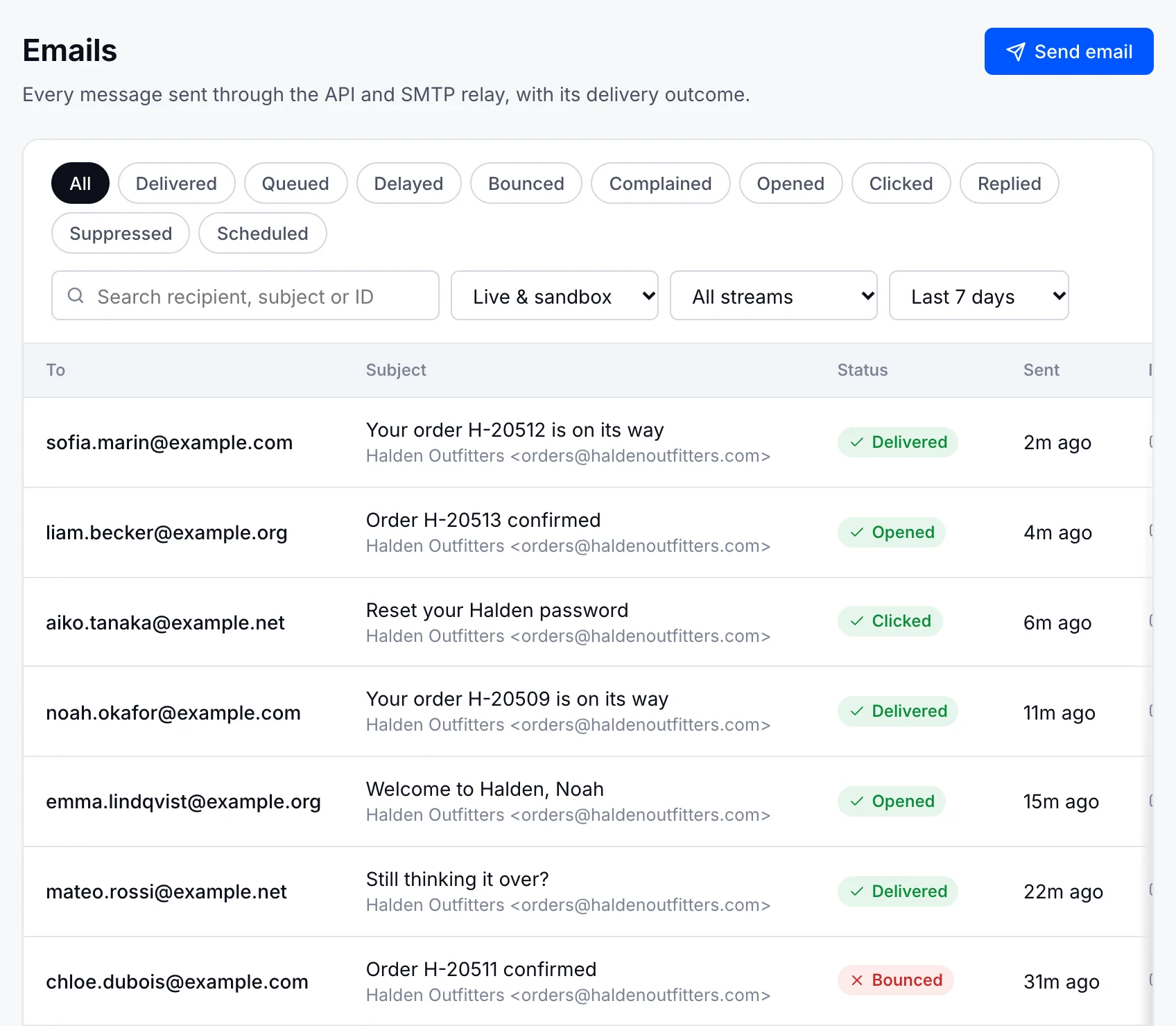
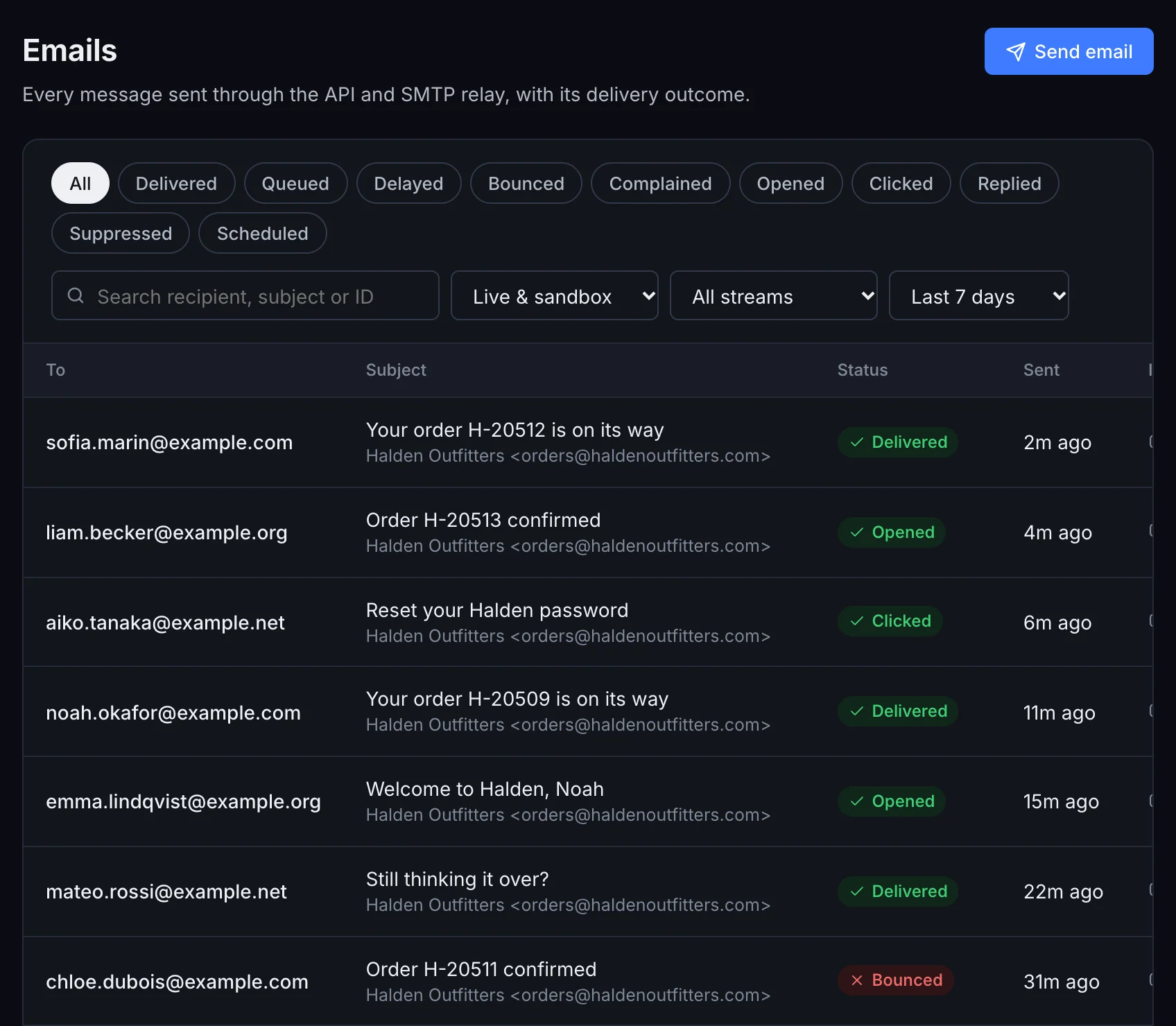
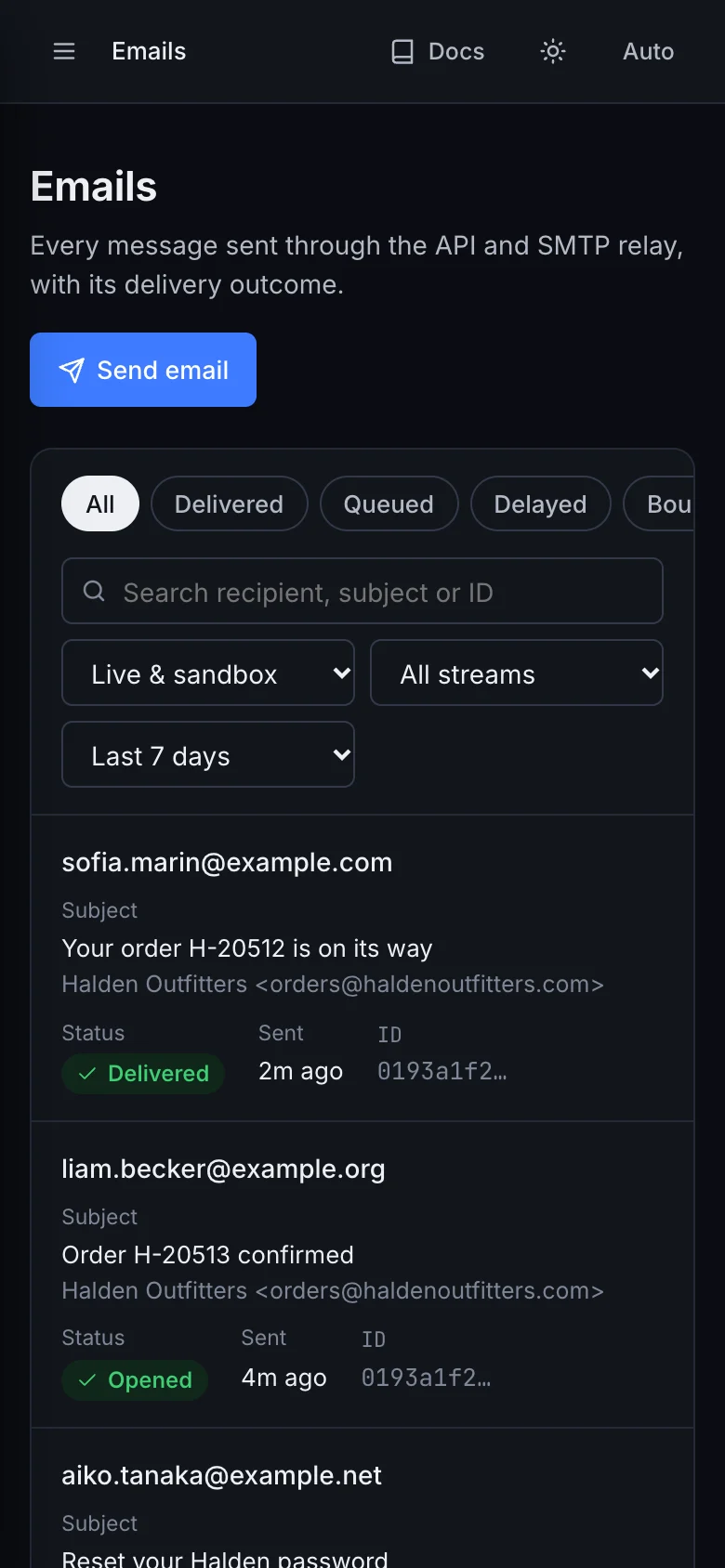
The ZapSMTP email log for Halden Outfitters, each message with its delivery status.The ZapSMTP email log for Halden Outfitters, each message with its delivery status.
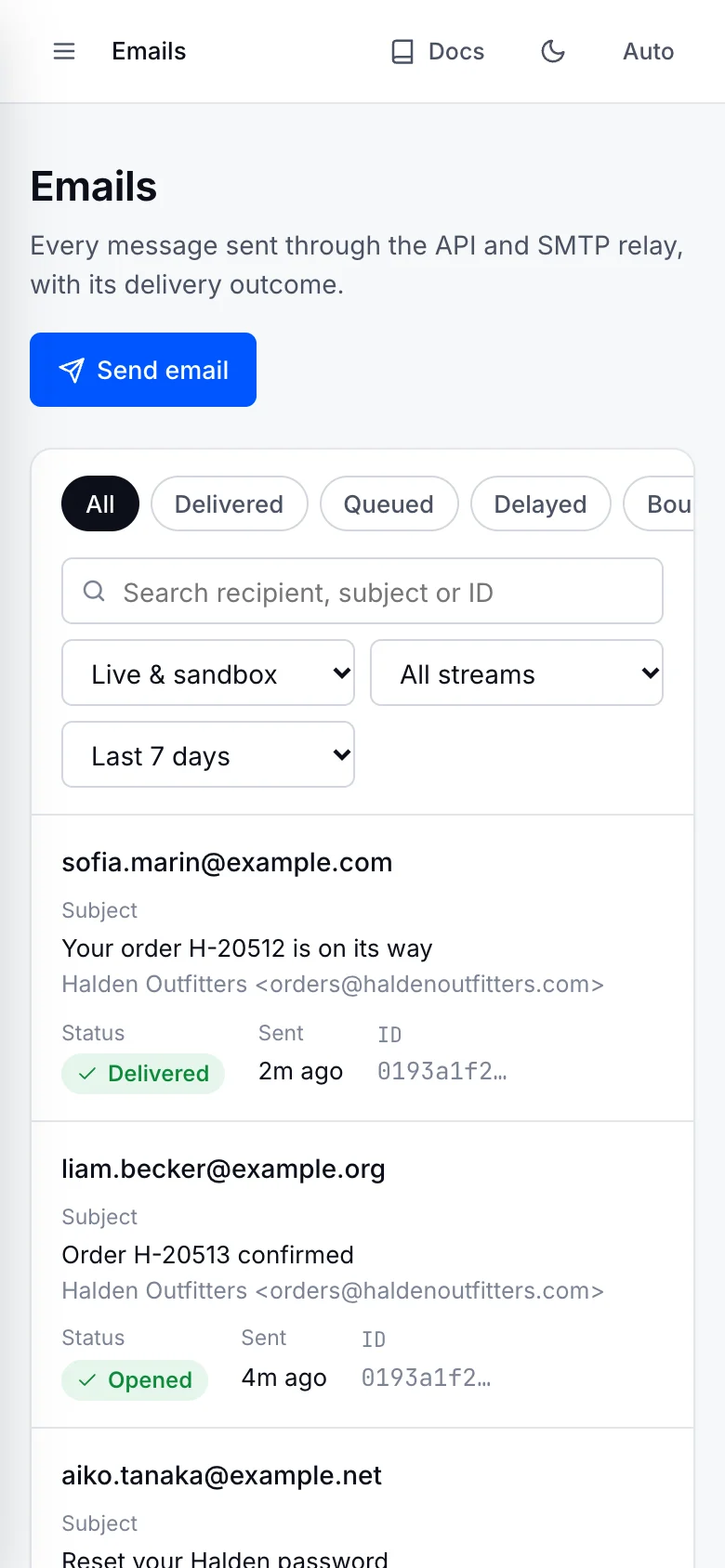
Halden’s email log on a phone.Halden’s email log on a phone.

Inspect each
delivery.

Every attempt with the receiving server’s exact reply, and webhooks for what happens next.

Email API
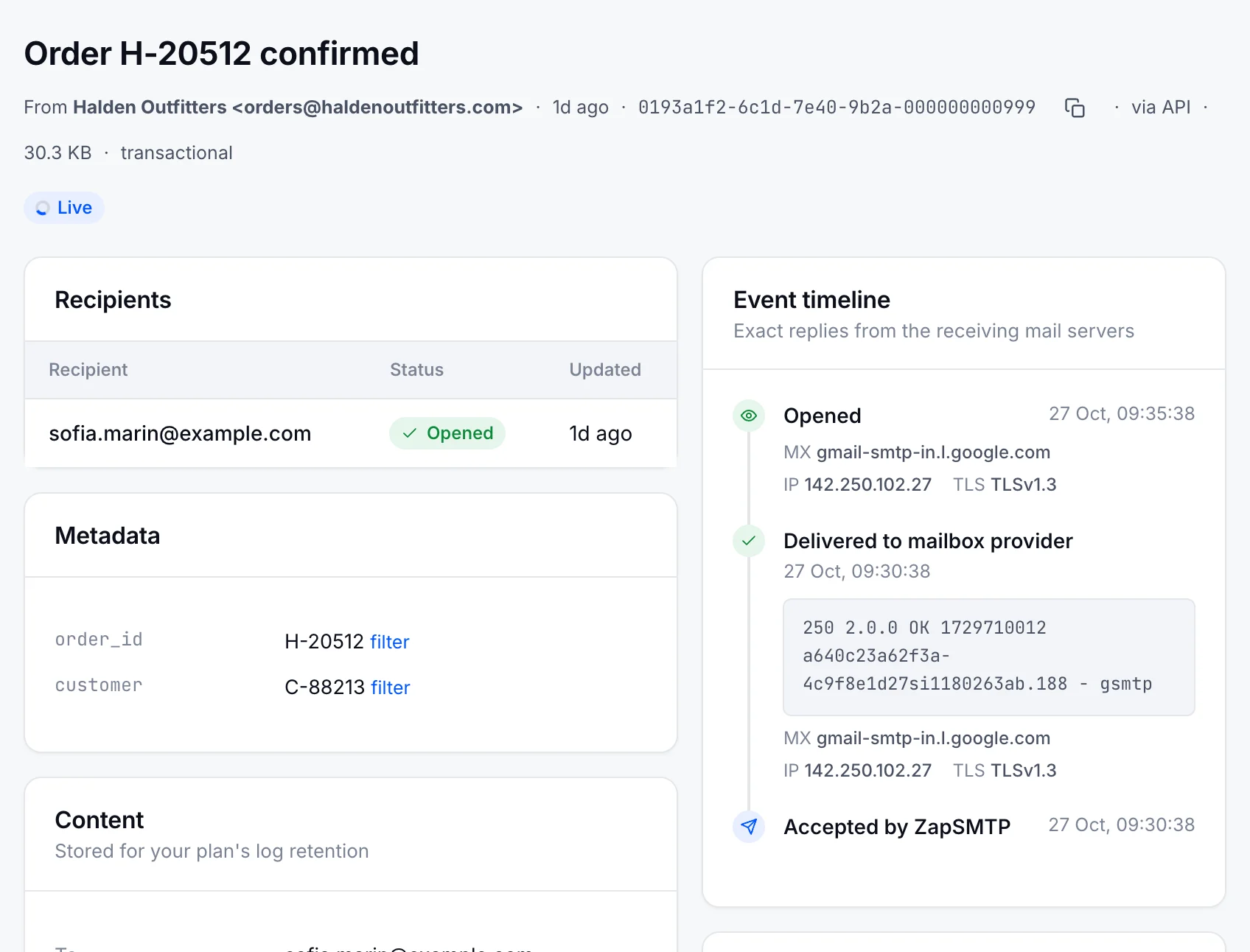
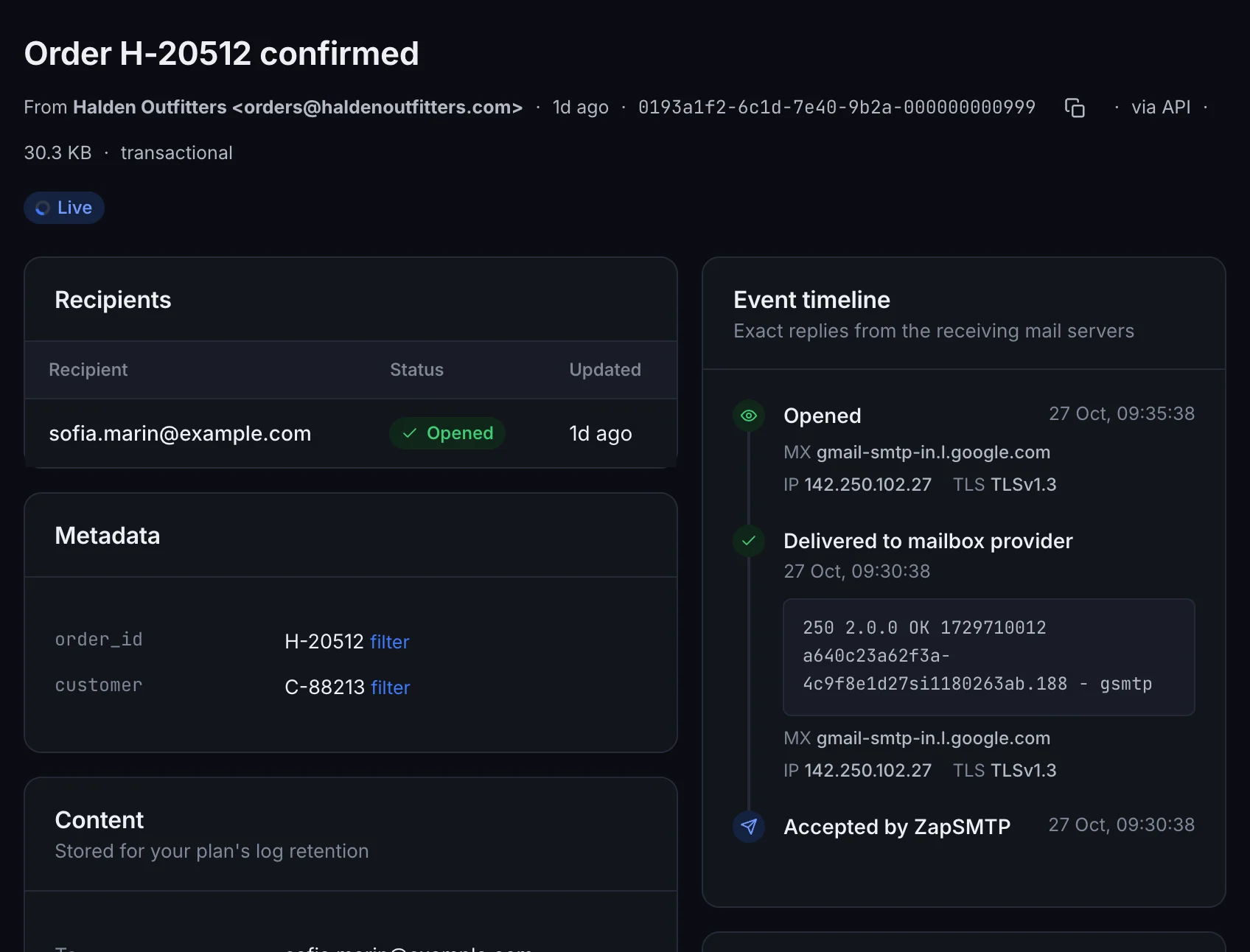
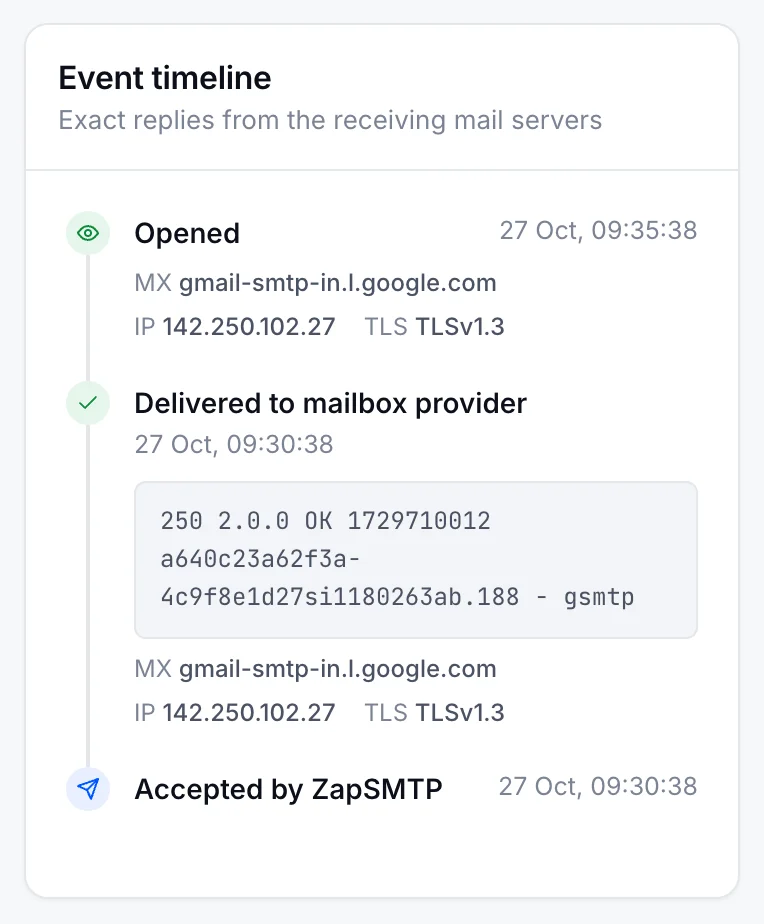
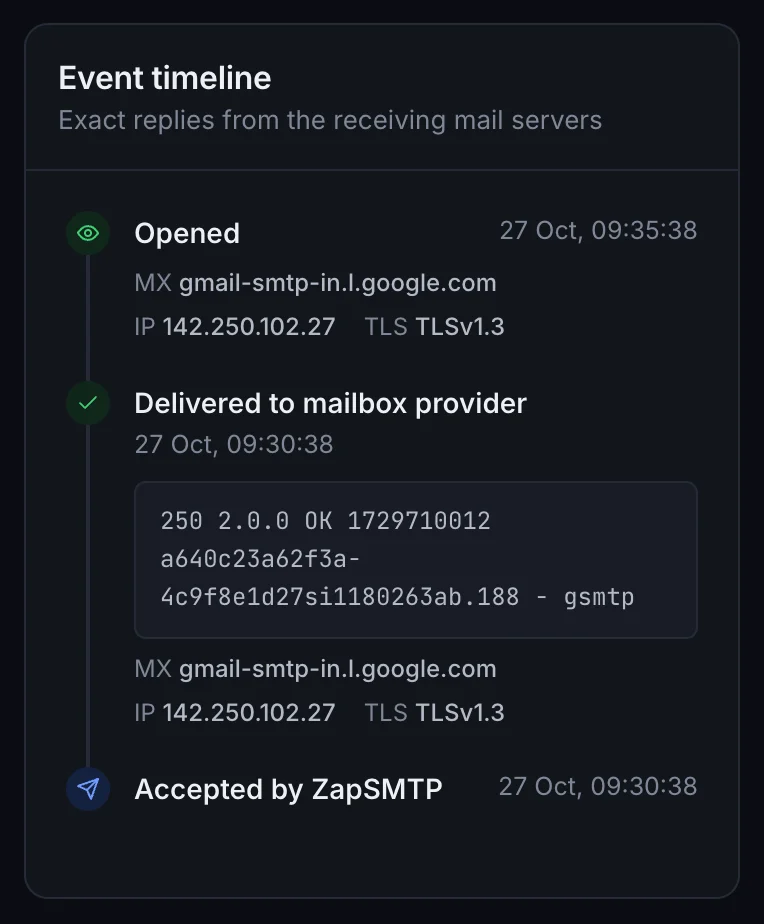
The ZapSMTP entry for “Order H-20512 confirmed” to sofia.marin@example.com: opened, with order_id metadata and an event timeline from Accepted by ZapSMTP to Delivered and Opened.The ZapSMTP entry for “Order H-20512 confirmed” to sofia.marin@example.com: opened, with order_id metadata and an event timeline from Accepted by ZapSMTP to Delivered and Opened.
The event timeline of order H-20512’s confirmation on a phone: accepted, delivered with the server’s 250 reply, then opened.The event timeline of order H-20512’s confirmation on a phone: accepted, delivered with the server’s 250 reply, then opened.

Also included

TLS connections

Use STARTTLS on port 587 or 2525, or implicit TLS on port 465. Authenticate with PLAIN or LOGIN.

Keep your email library

Connect your framework’s mailer, an existing service, or your own application over standard SMTP.

Plans and limits

Send your first email.

Your next email starts with a few lines of code.

Start for free 3,000 emails/month free · No credit card required