ZapSMTP / Templates / Quick start
Plain letter email template
Subject in this example: “A quick note”. It takes 1 variable, filled by your application on each send.
Using a template takes a free account (3,000 emails/month · 100/day · No credit card required); you start from this design in the editor. The preview shows Halden Outfitters demo data.
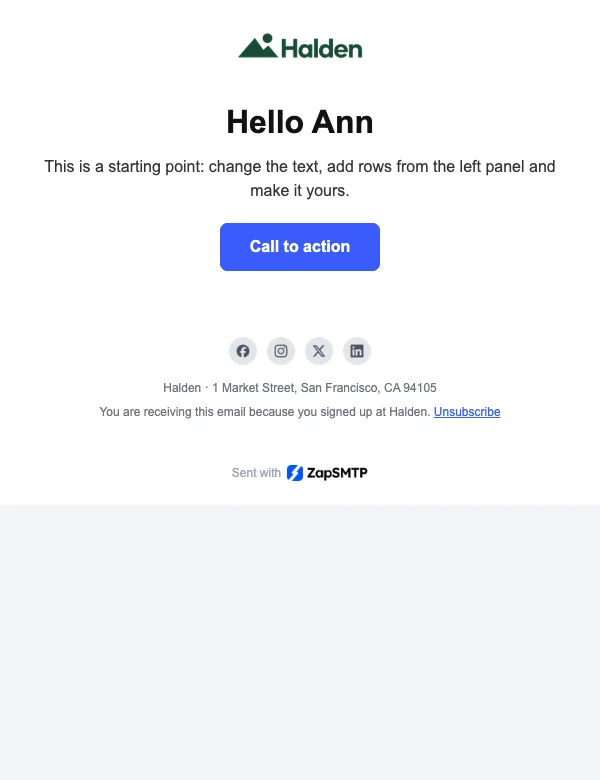
Rendered at 640 px, as a desktop client shows it.
What it says
Plain-text version
Hi Ann,

Plain emails feel personal and land in the primary tab more often. Write like you talk, keep one link, and sign with your name.

Thanks,
Alex

Unsubscribe (#)

Sent with (https://zapsmtp.com/?utm_source=zapsmtp_email&utm_medium=email&utm_campaign=sent_with_zapsmtp&utm_content=plain-letter)https://zapsmtp.com/?utm_source=zapsmtp_email&utm_medium=email&utm_campaign=sent_with_zapsmtp&utm_content=plain-letter
Variables
name
Each is written as {{variable}} in the template.
Send it
Publish the template, then pass its ID or alias and the variables with each send. How templates work