Dashboard tour
Everything the API does, you can see and do in the dashboard: how your mail lands, what happened to each message, and the settings behind it. The screenshots show a fictional store, Halden Outfitters, after a week of sending. Create an account to follow along.
Sending health
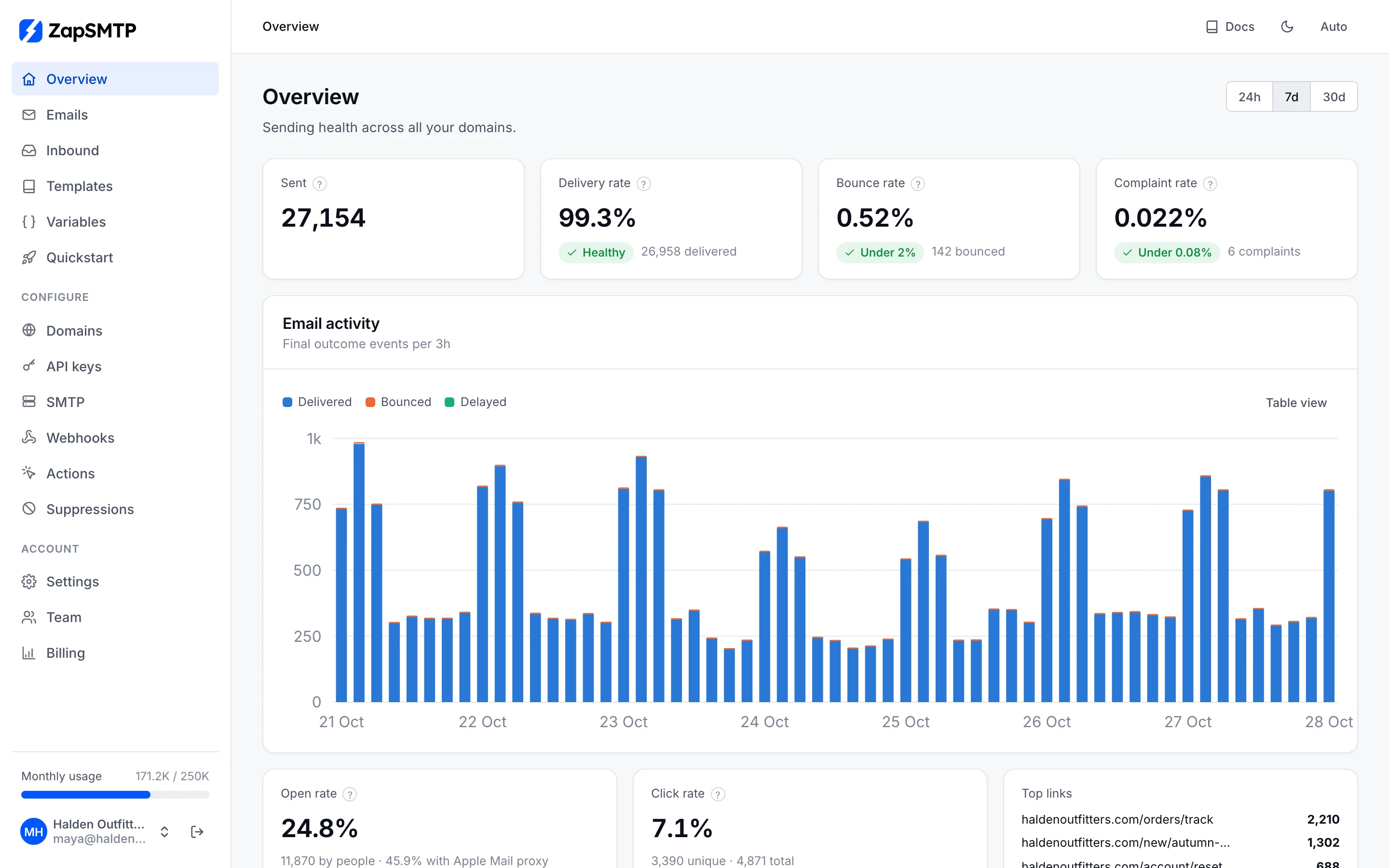
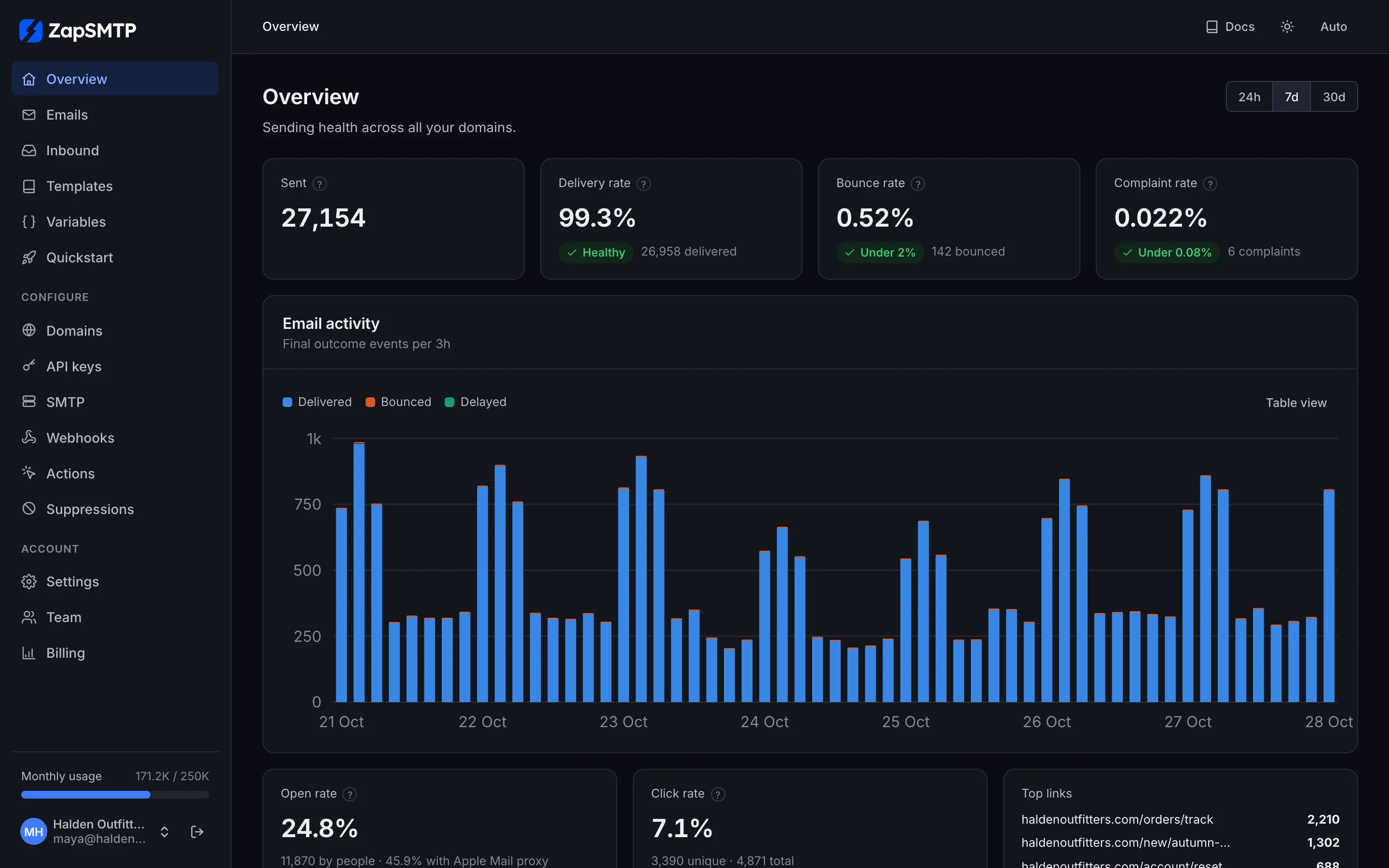
Overview answers one question: is my mail getting through? Sent, delivery, bounce and complaint rates for the last 24 hours, 7 or 30 days, each marked against the thresholds mailbox providers use (bounces under 2%, complaints under 0.08%). Below them: activity over time, opens and clicks, the top links, results per sending domain, stream, tag and mailbox provider, and why mail bounced.
Every email, every event
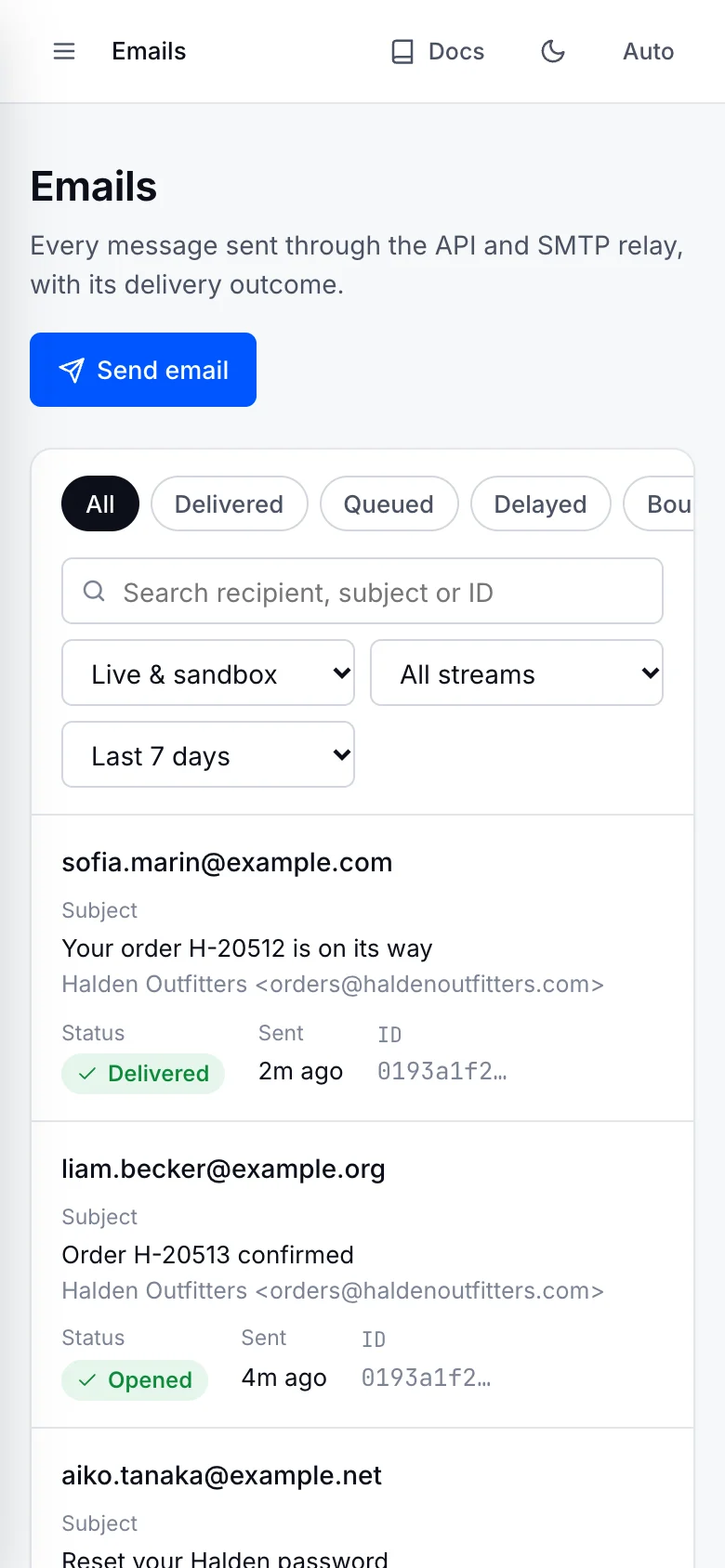
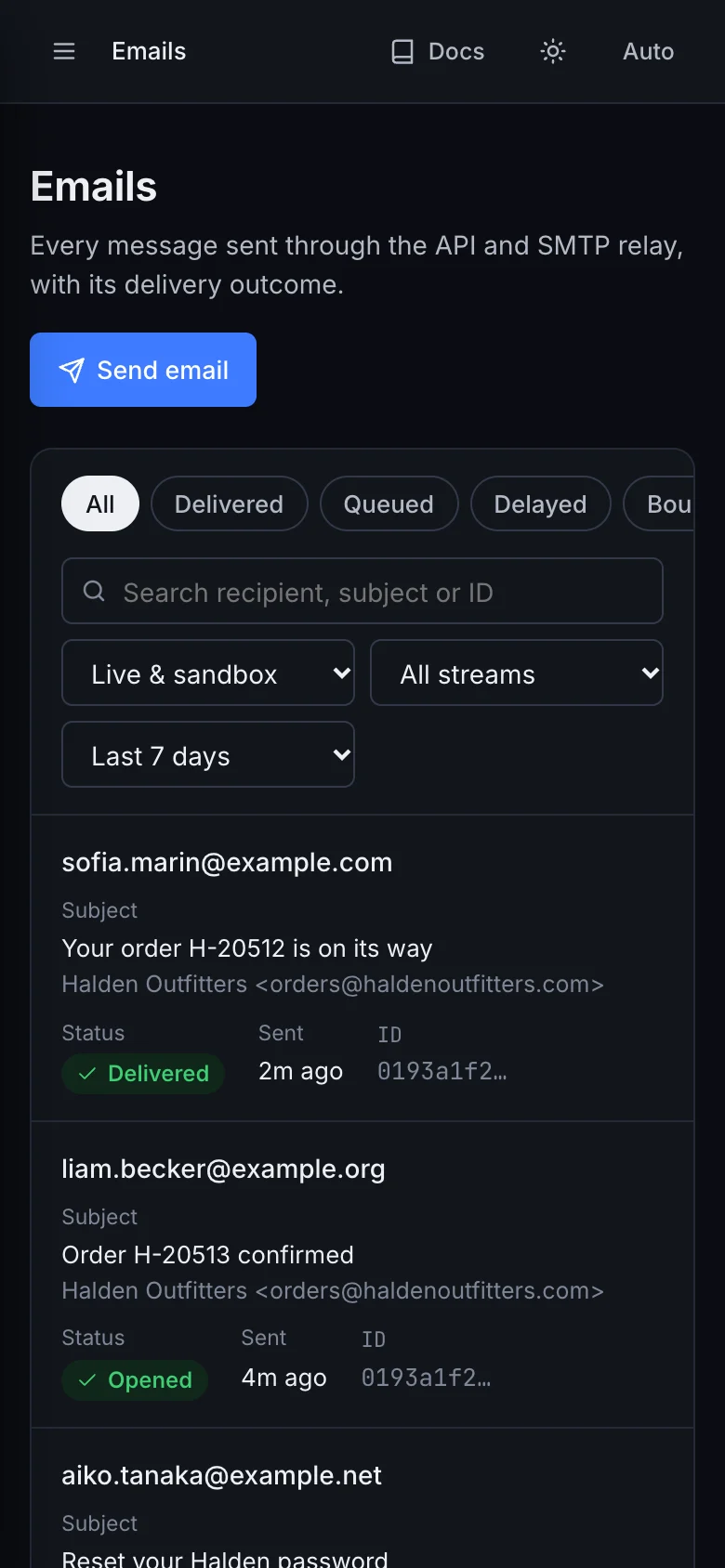
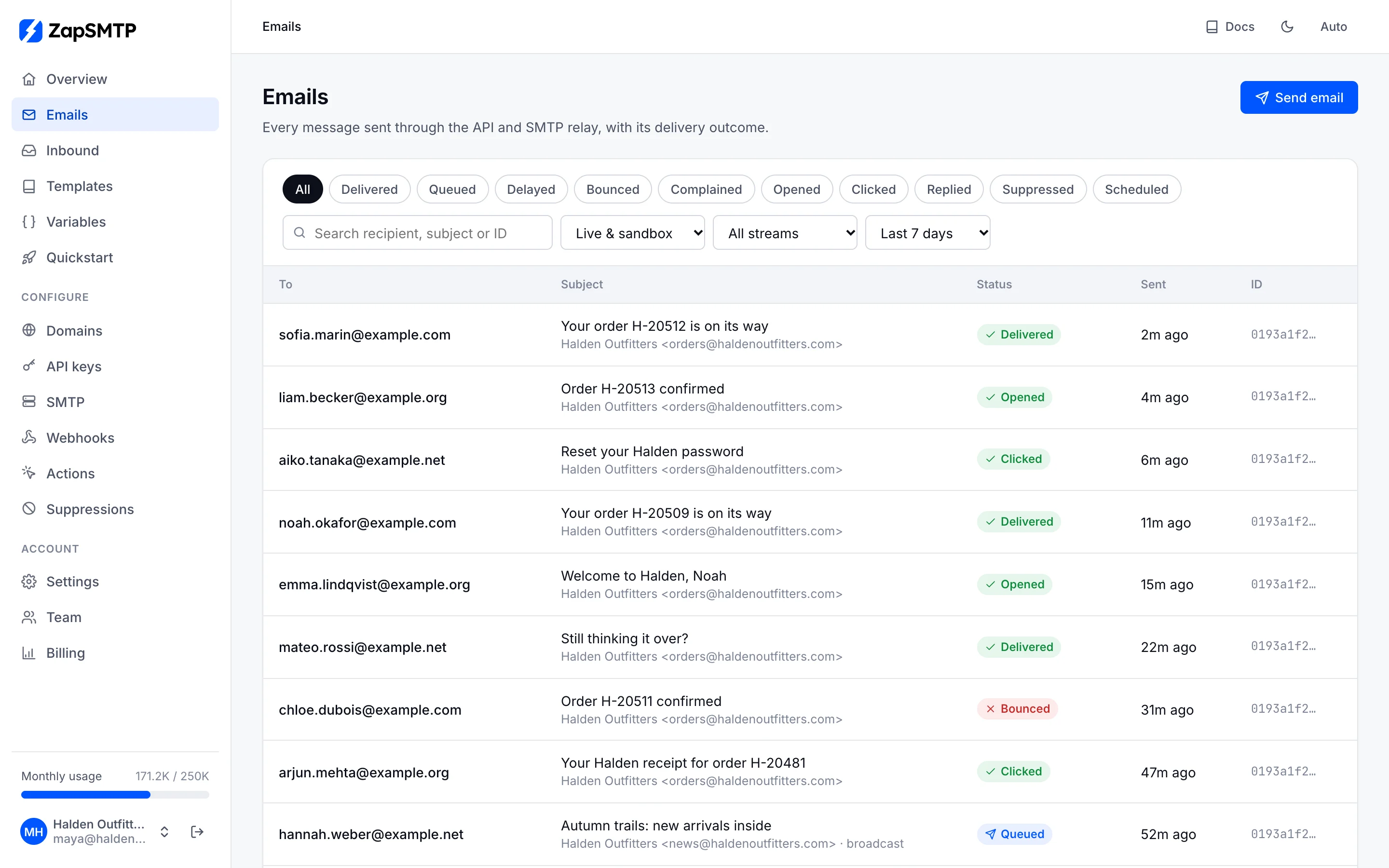
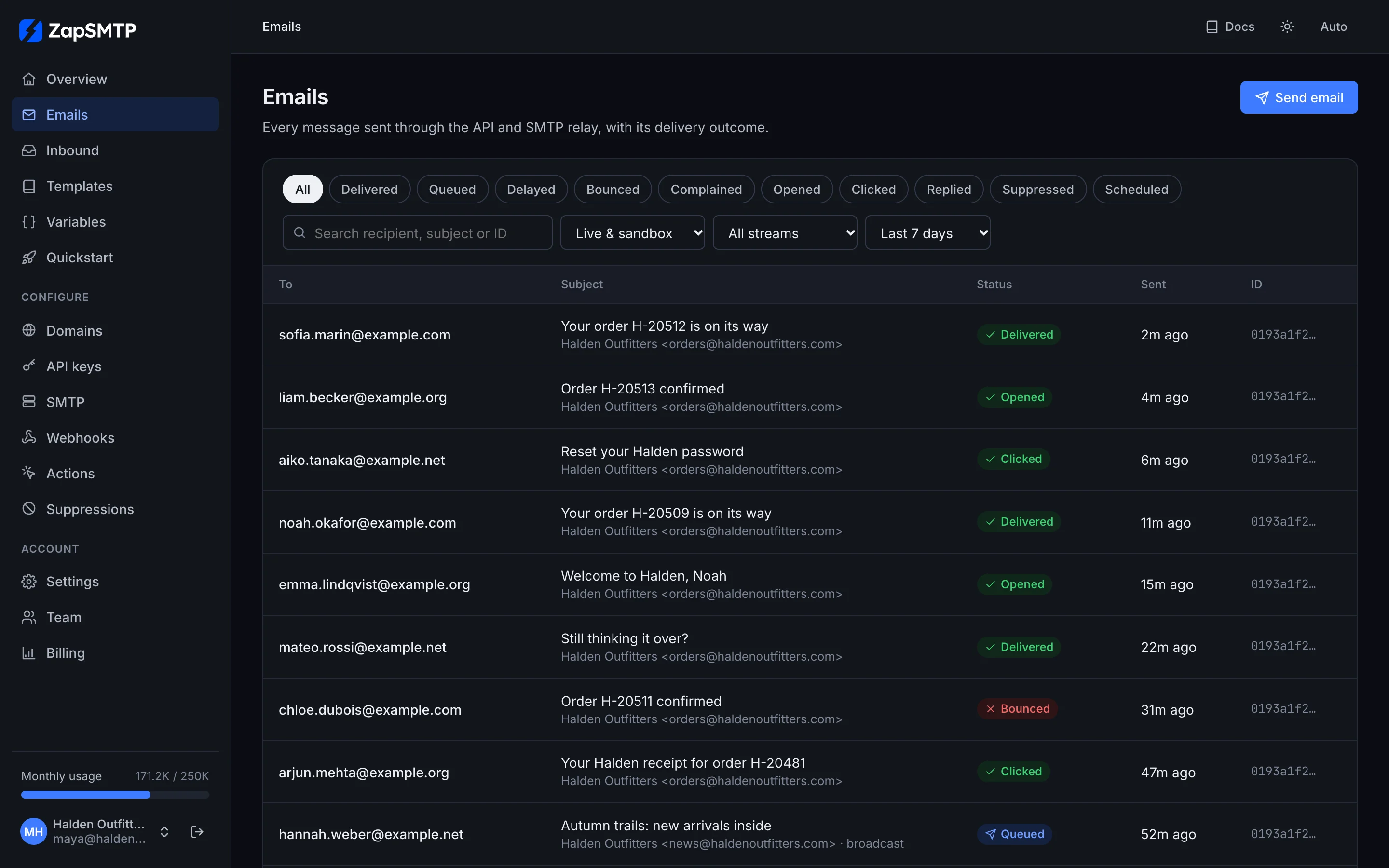
Emails lists every message sent through the API or SMTP, with its current status. Filter by status (delivered, bounced, opened, clicked, complained, scheduled and more), stream and time range, or search by recipient, subject or id.
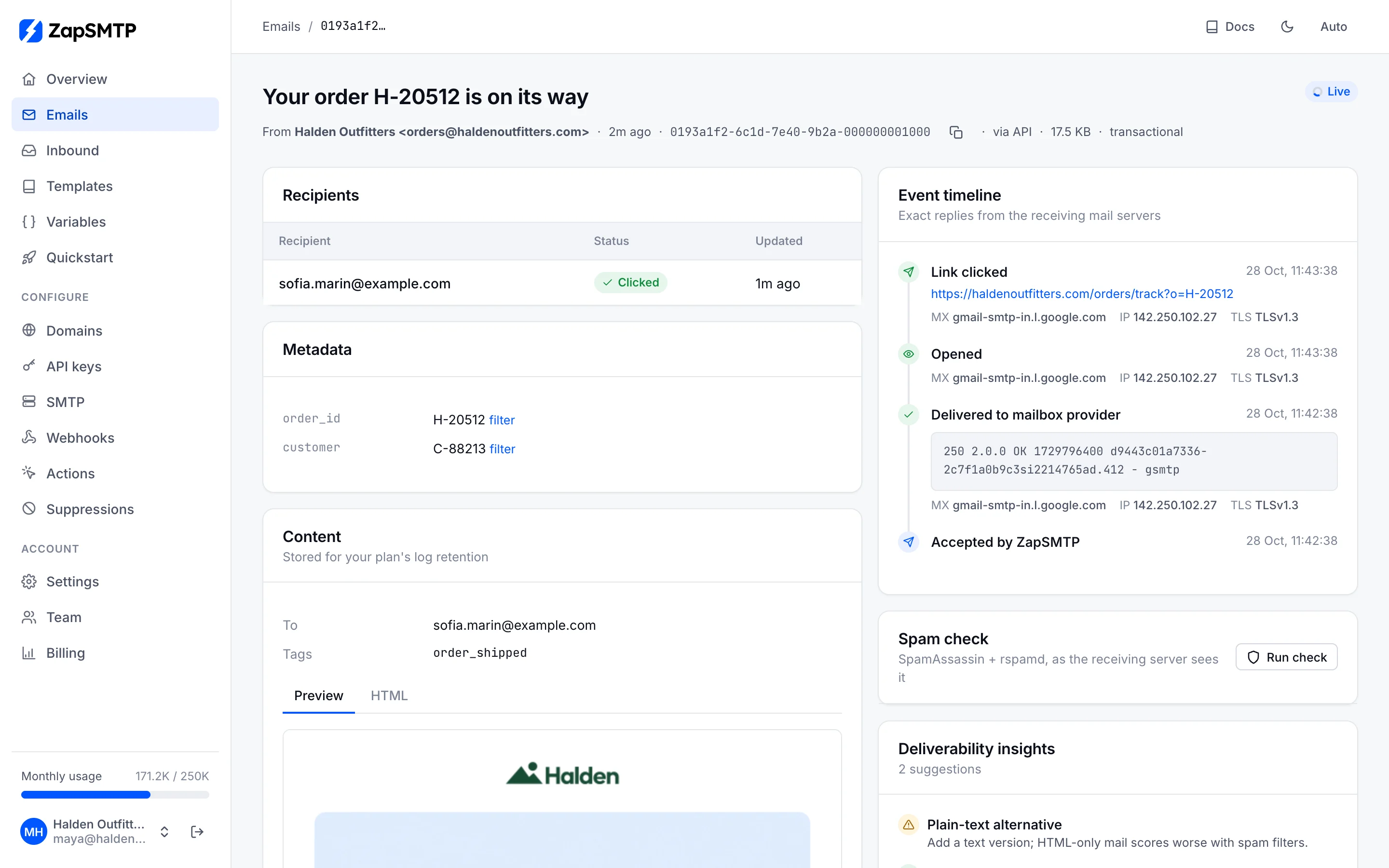
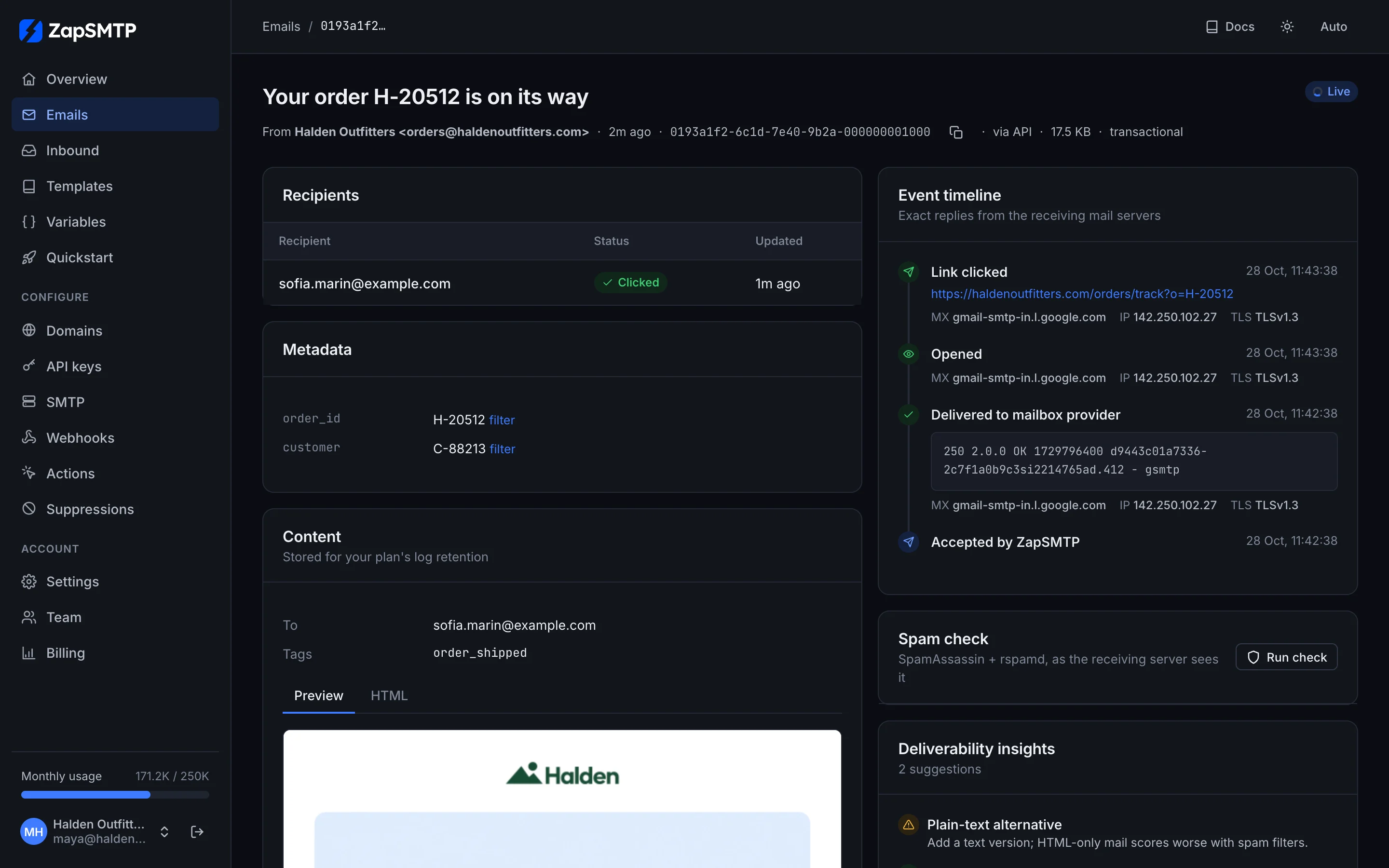
Open a message to see its timeline: when ZapSMTP accepted it, the receiving server's exact reply with its MX, IP and TLS version, opens and clicks, and for a bounce, why it failed and whether the address was suppressed. The message itself, its metadata and a spam check are on the same page.
Domains
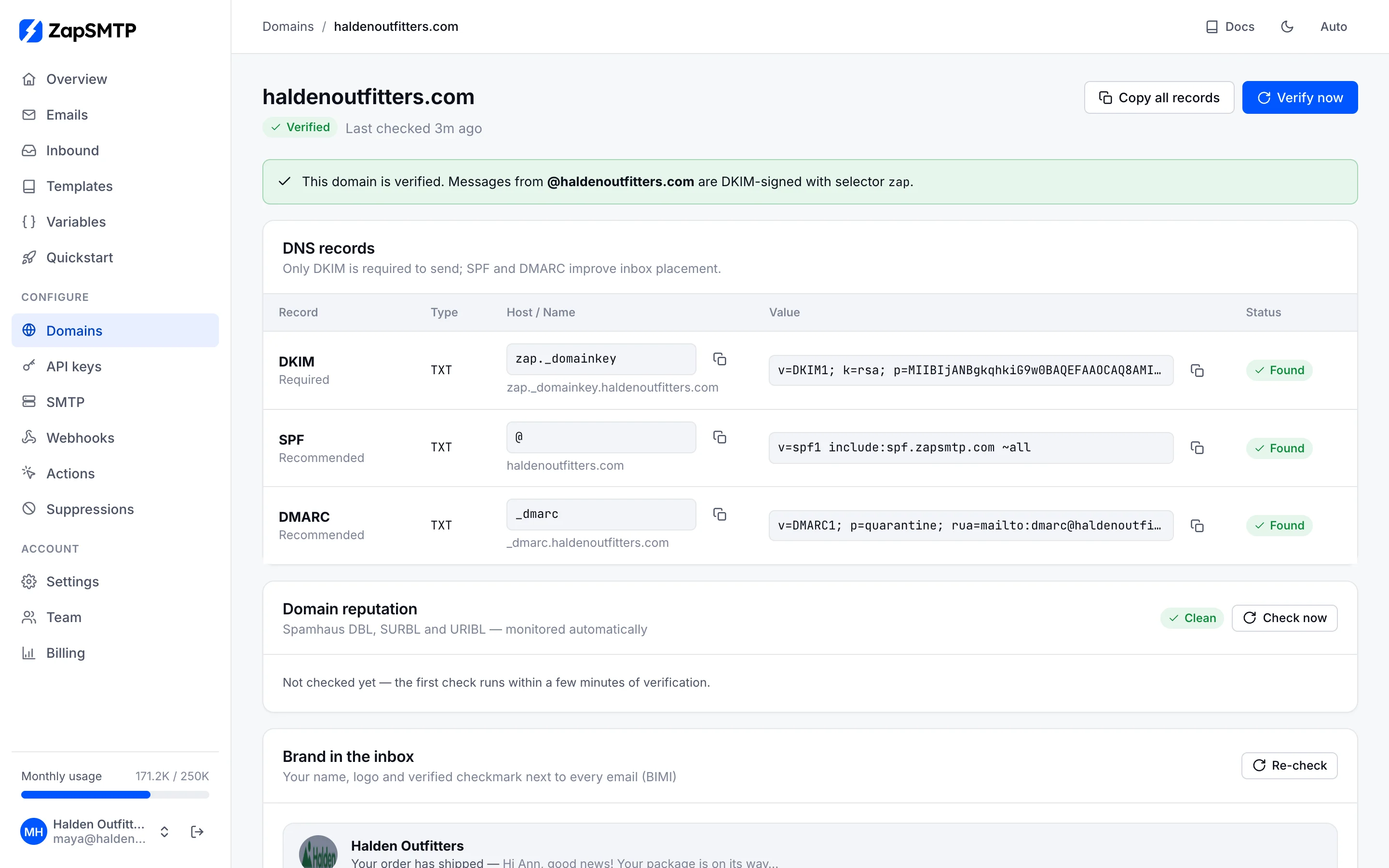
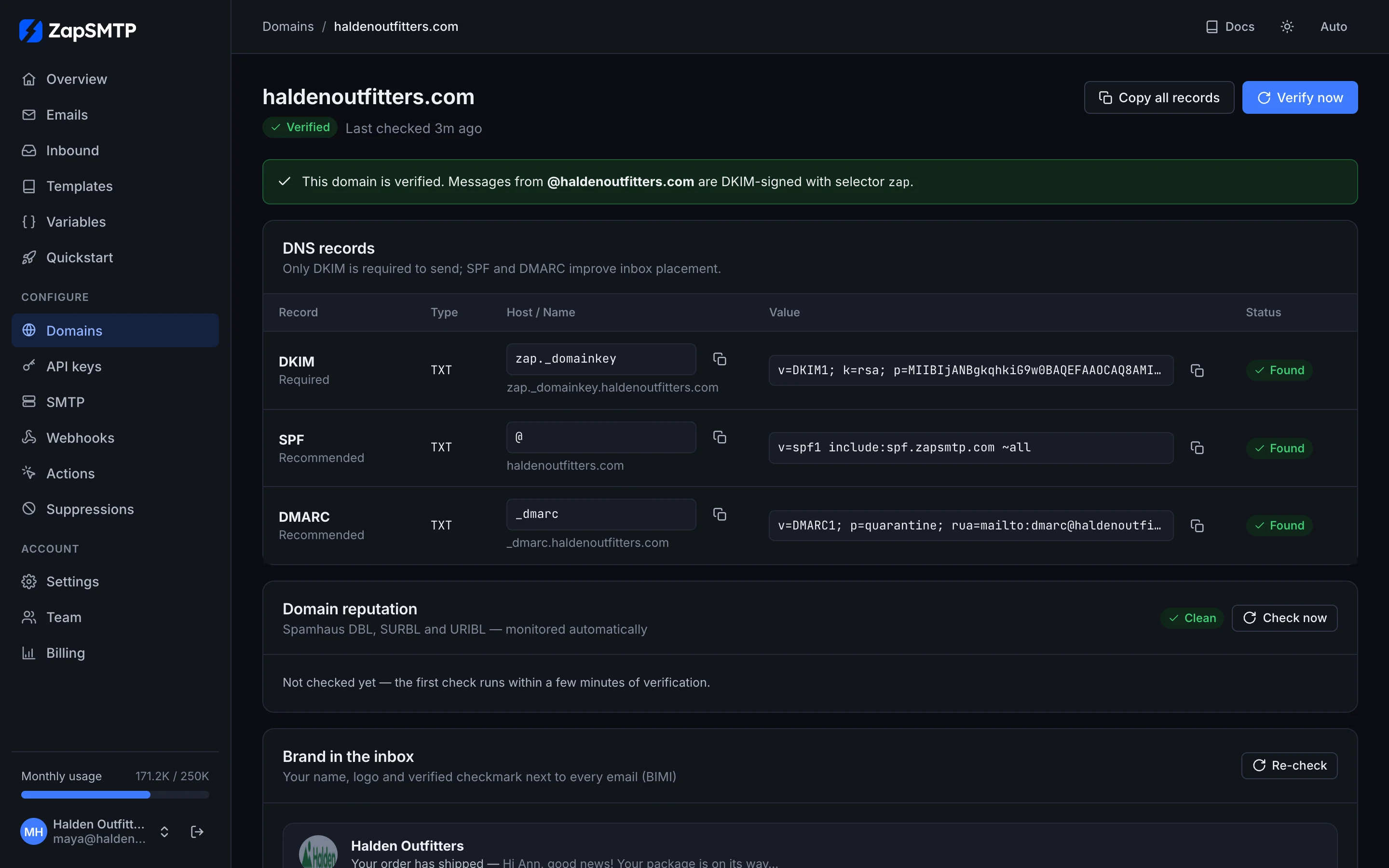
Add the domain you send from and publish the records shown: a DKIM key we generate for it, plus SPF and DMARC. ZapSMTP checks DNS every minute until the domain verifies, then keeps watching it, along with the domain's reputation on public blocklists. The same page sets open and click tracking, TLS for outgoing mail and your brand in the inbox (BIMI).
API keys
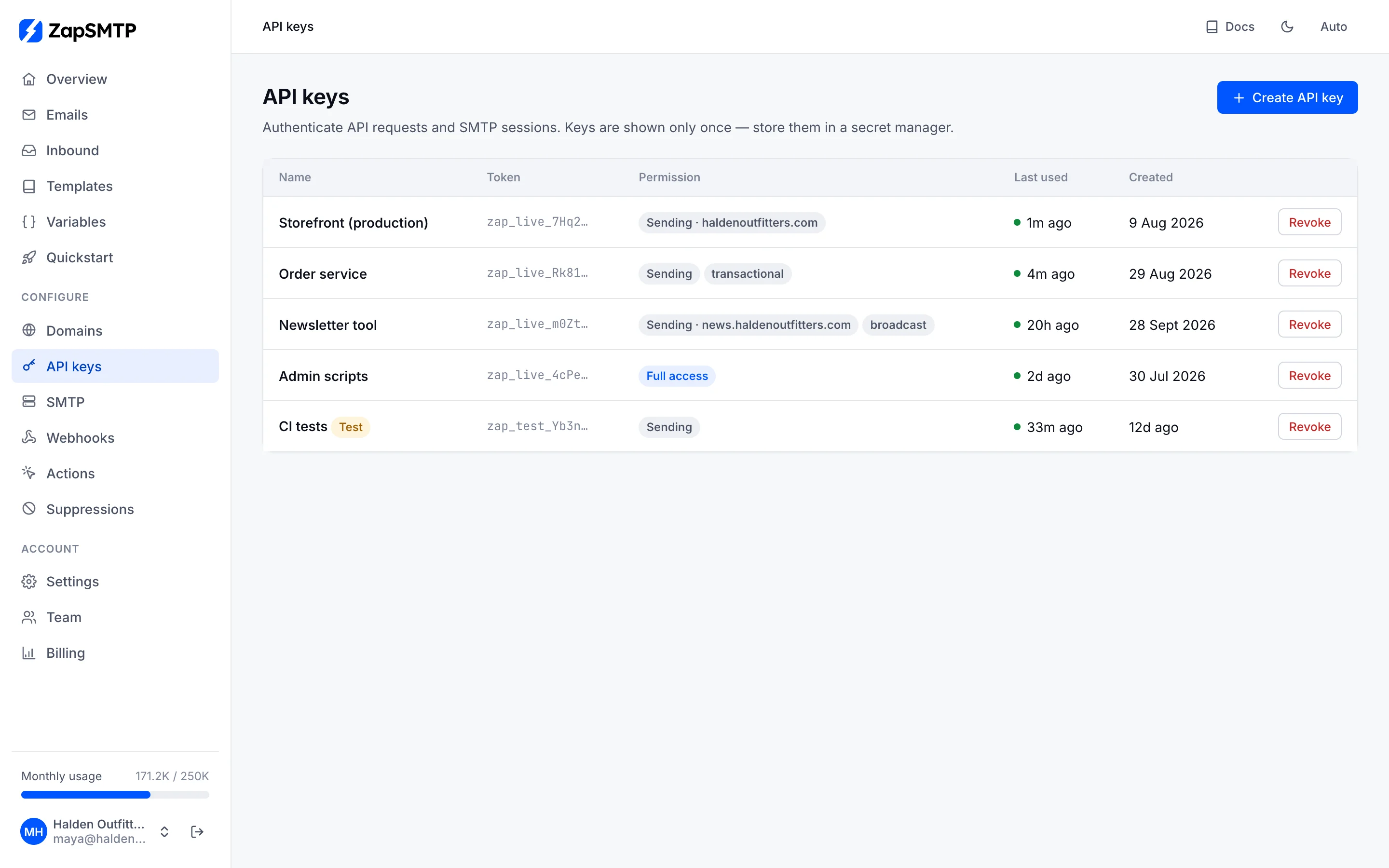
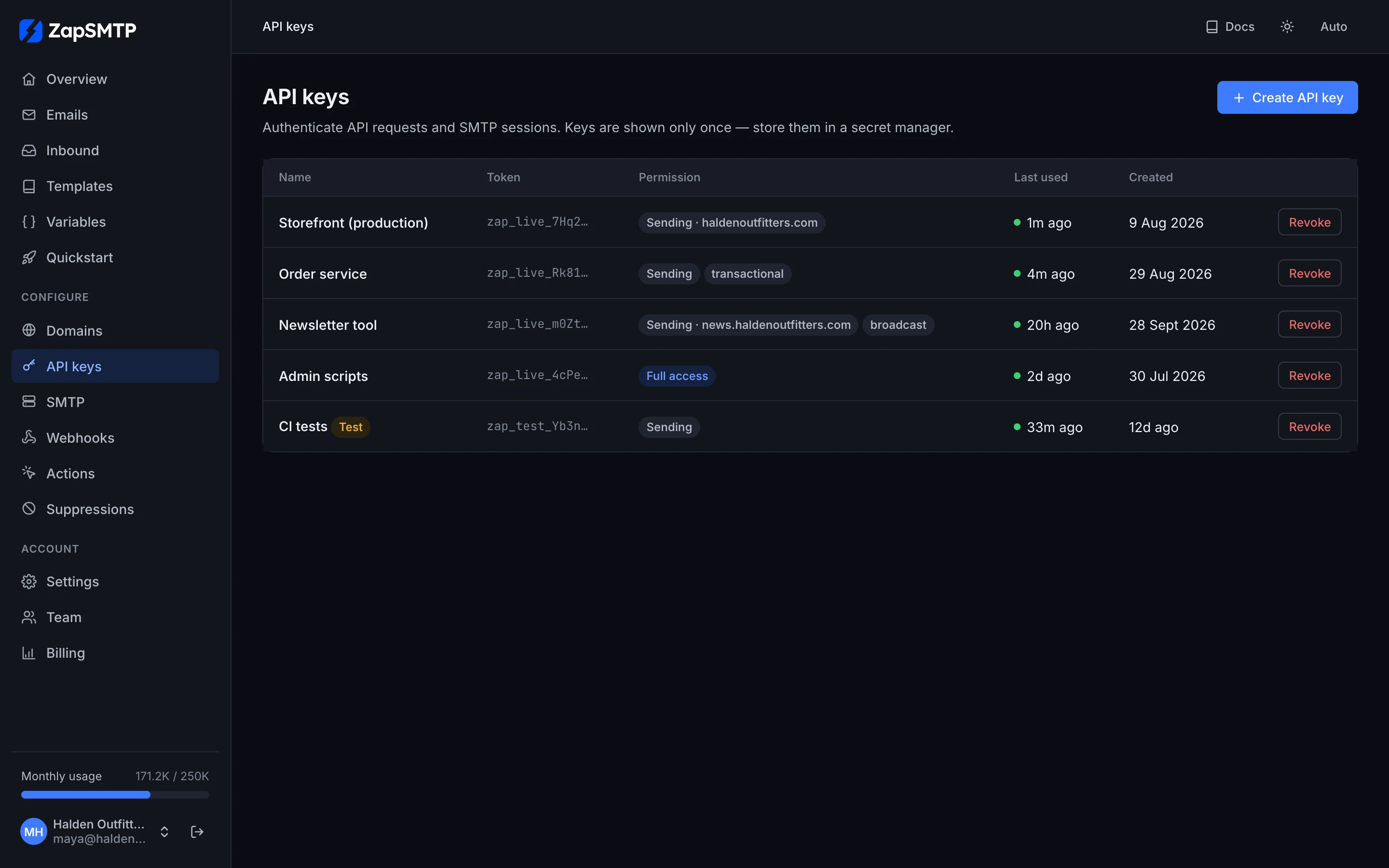
Create a key per application or environment. A key can be limited to sending, to one domain and to one stream (transactional or broadcast); a test key goes through validation, logging and webhooks without delivering anything. A key is shown once, when you create it.
Webhooks
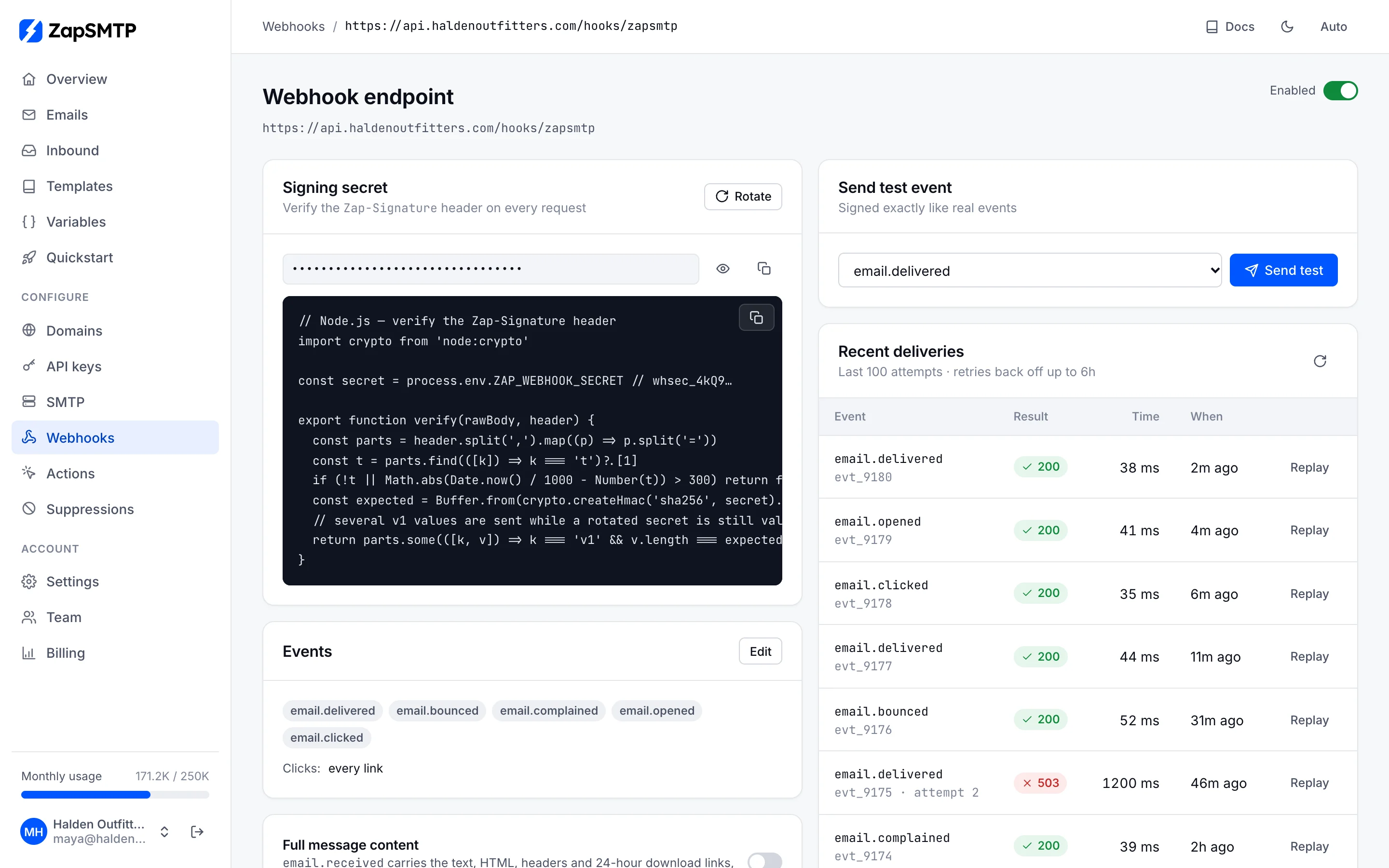
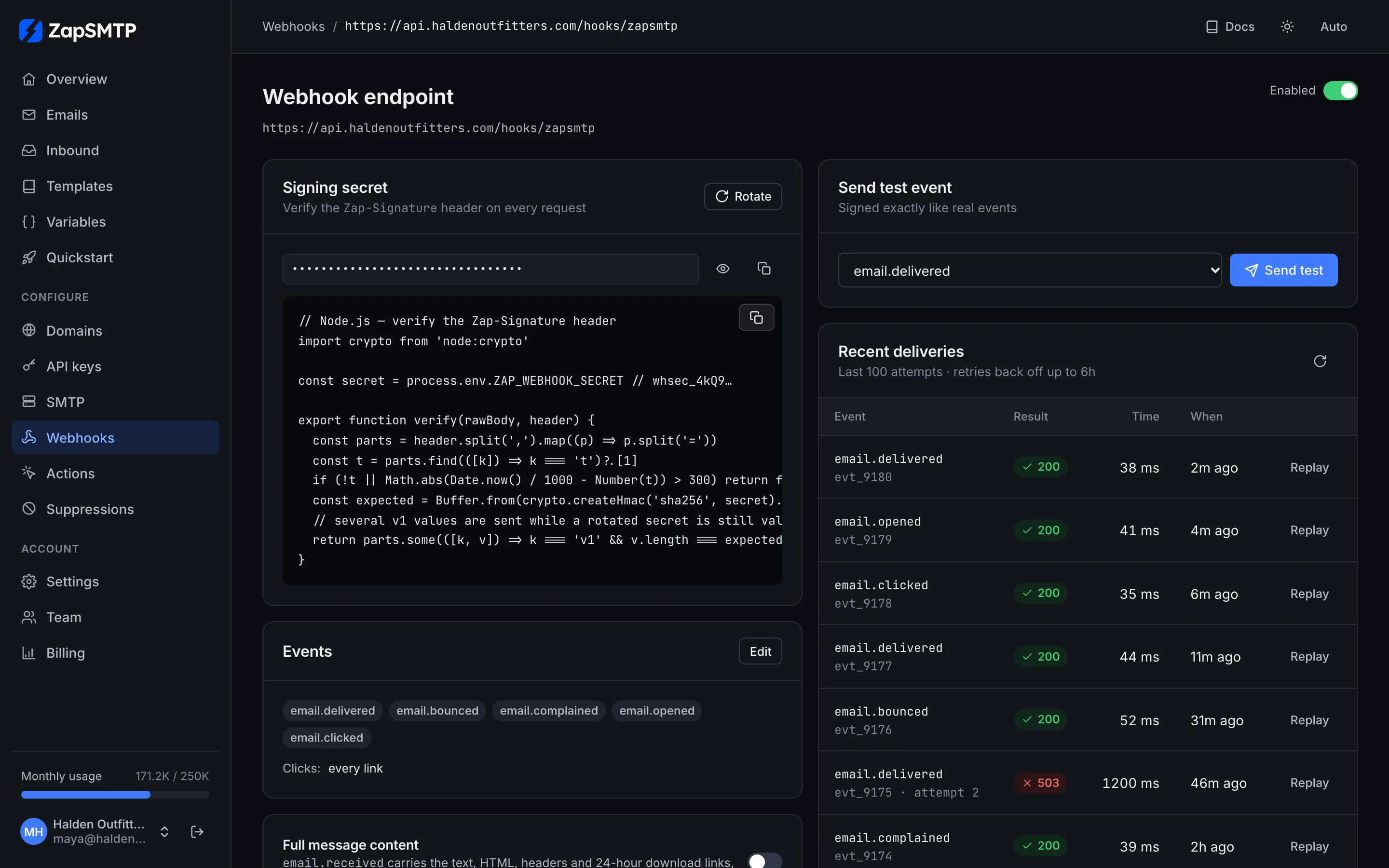
Point an endpoint at your server and pick the events it receives. Each endpoint shows its signing secret with verification code, a test button that sends a sample event, and the last 100 deliveries with your server's answer, so a failing endpoint is obvious and any delivery can be replayed. See Webhook events for payloads.
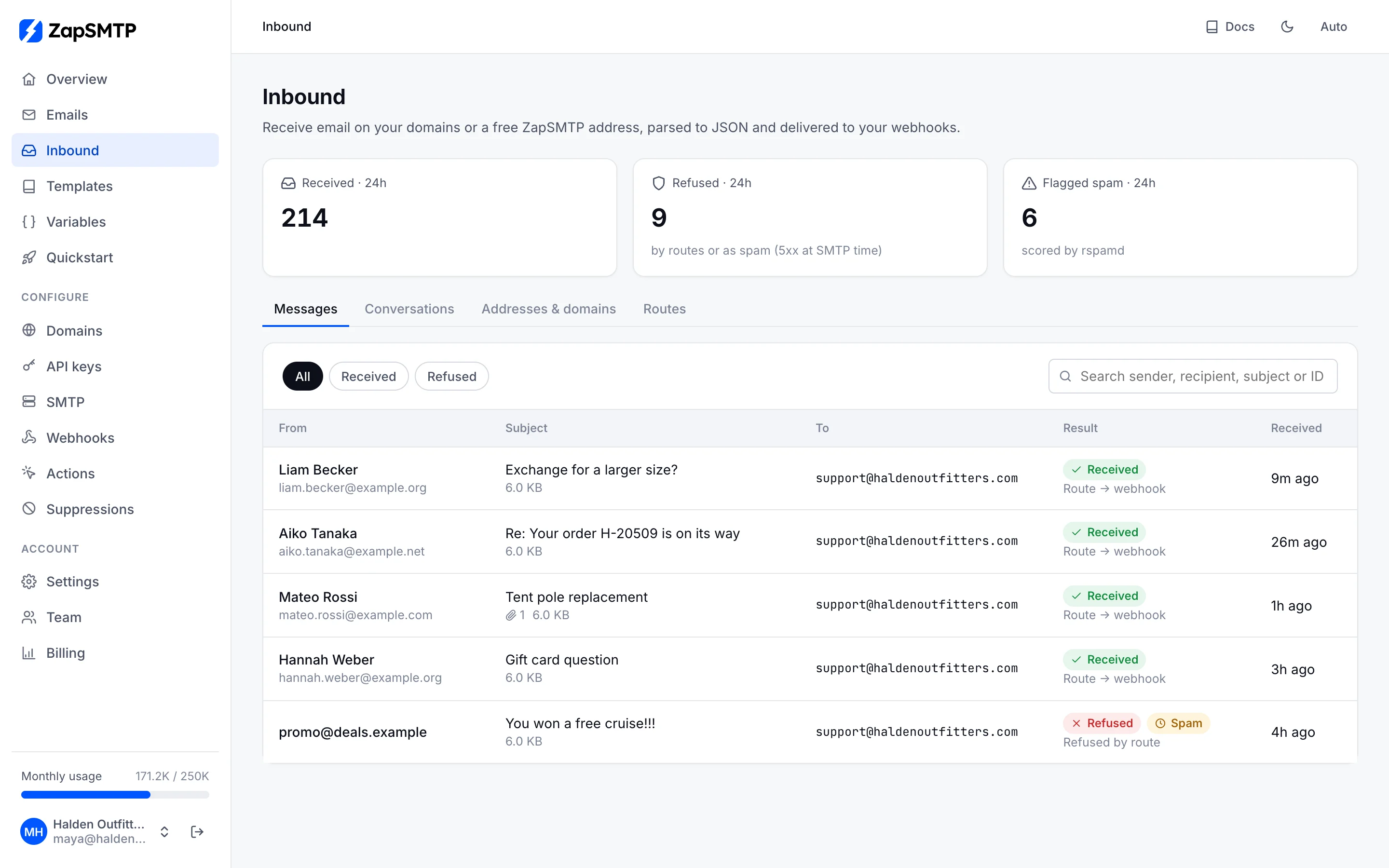
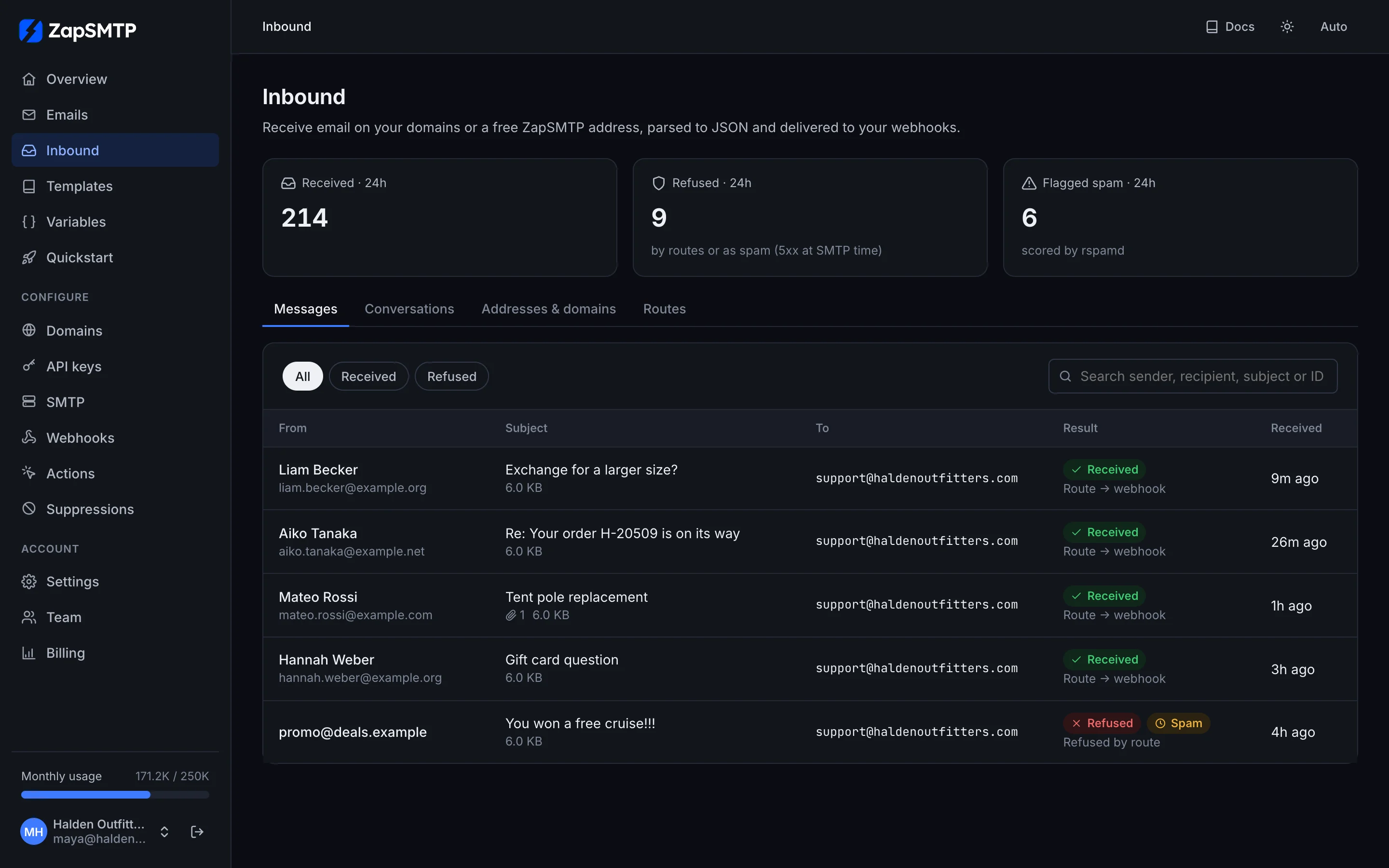
Inbound email
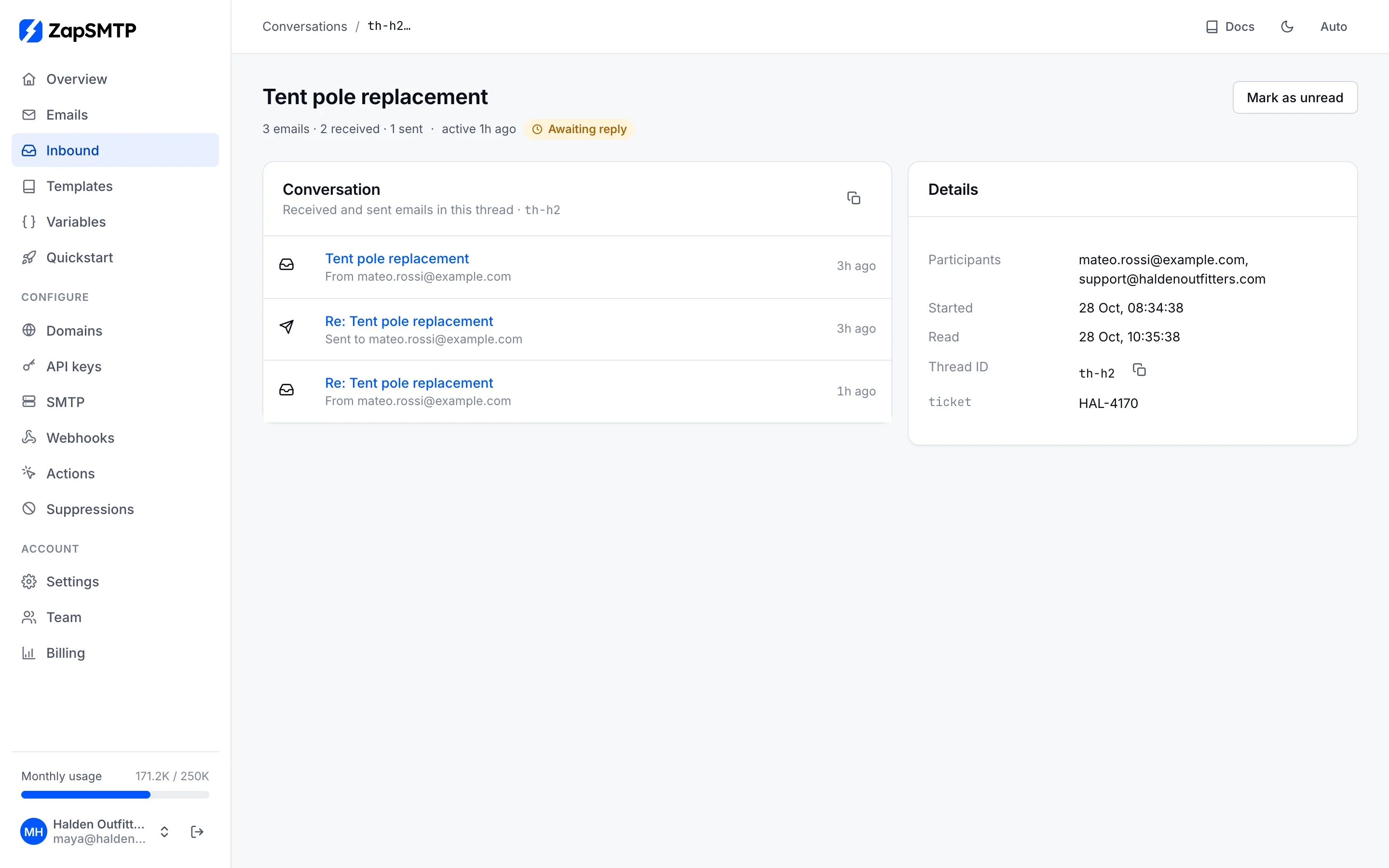
Inbound receives mail for your domains or a free ZapSMTP address, parses it to JSON and passes it to your webhook, with spam scores and SPF, DKIM and DMARC results. Replies and follow-ups are grouped into conversations, so a support inbox is a few API calls away.
Suppressions
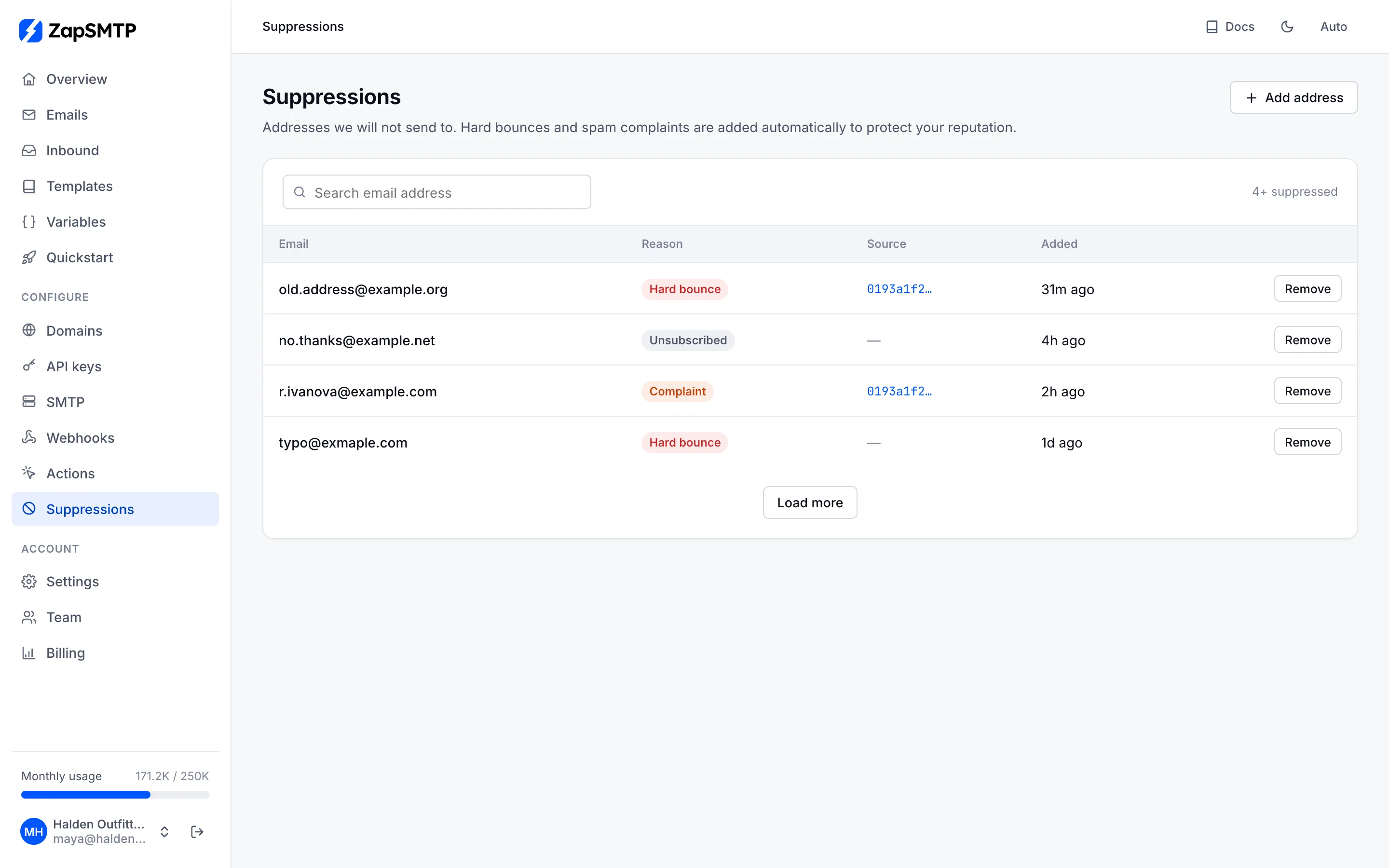
Hard bounces, spam complaints and unsubscribes are added automatically, so you never mail an address that hurts your reputation. An unsubscribe stops broadcast mail only; the other reasons stop every stream. Search the list, see what caused each entry, add addresses or remove one when a customer asks.
On your phone
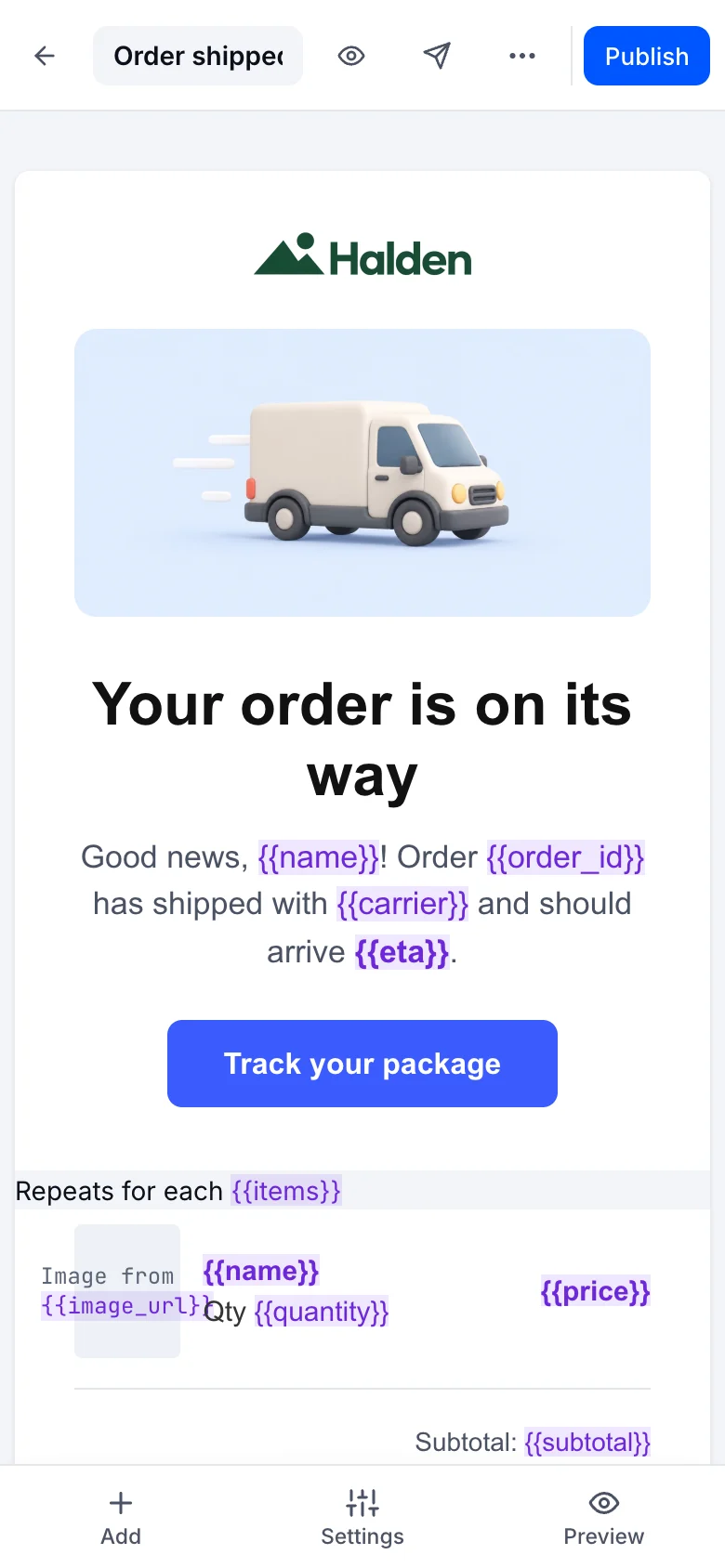
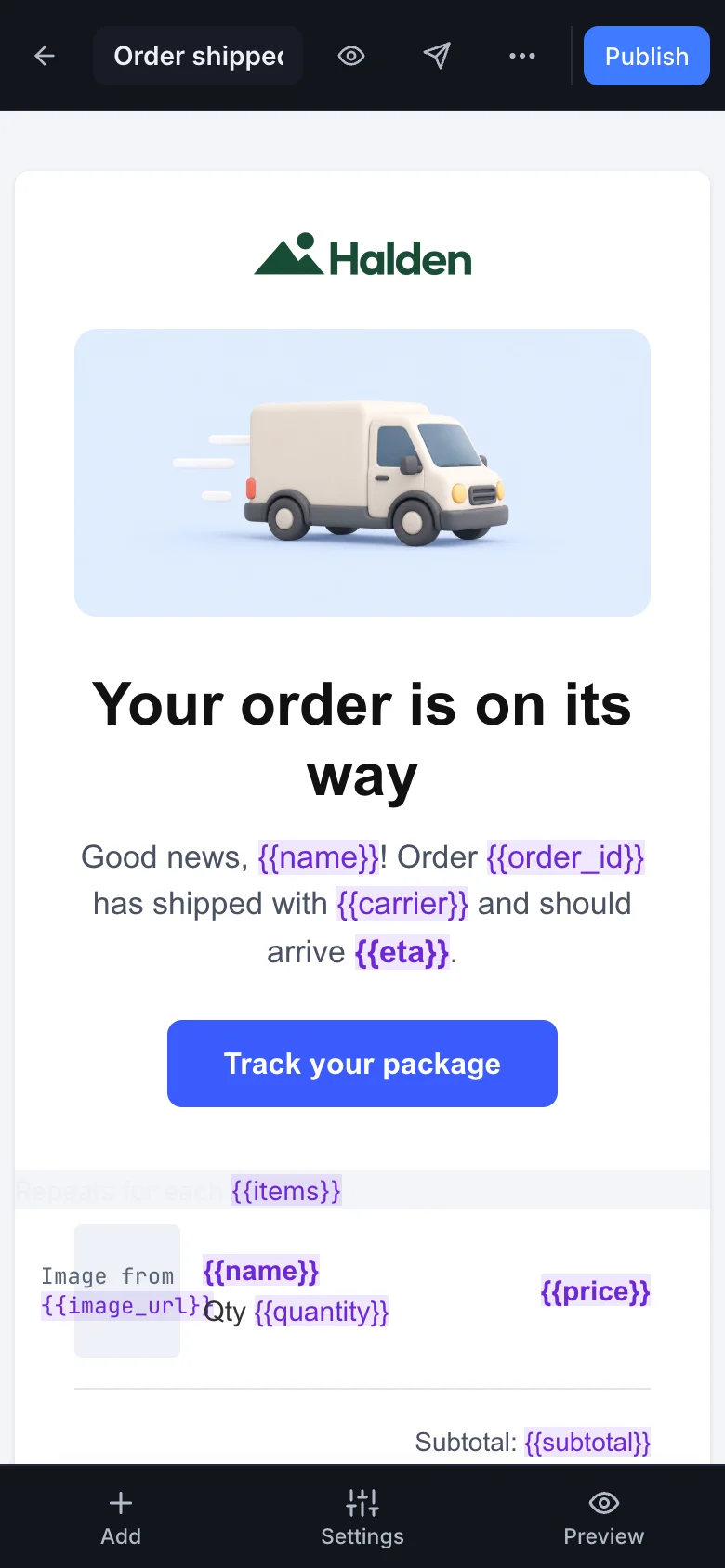
The whole dashboard works on a phone: lists become cards, and the template editor edits in the mobile view with its panels as sheets.