

Email template editor
Keep your emails in ZapSMTP and send them with a template id and variables: your code stays free of HTML, and anyone on the team can change a message without a deploy. Build a template visually, or write the HTML yourself.
Templates
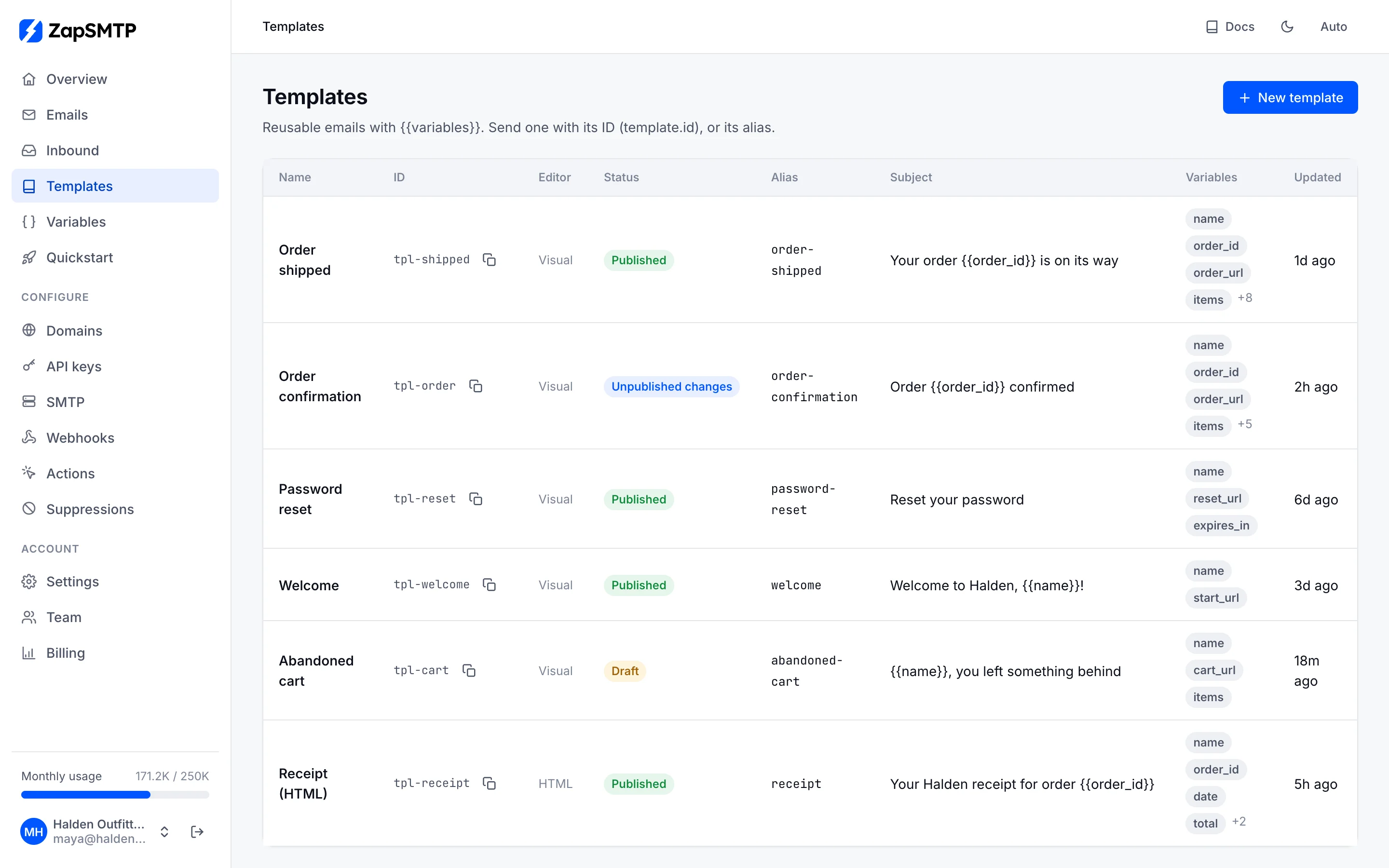
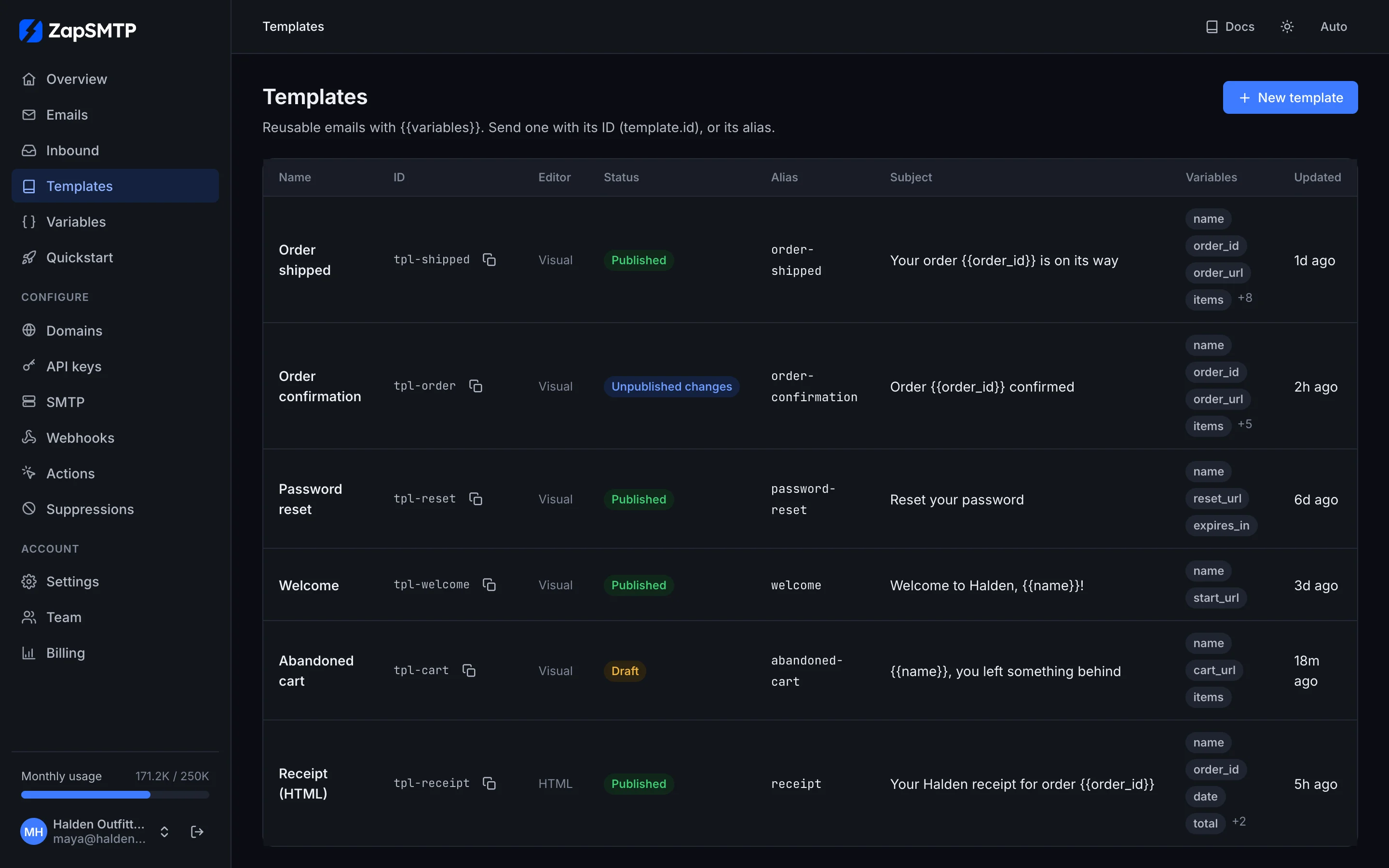
Templates lists every template with its editor, status and the variables it uses. A template is a draft until you publish it; sends always use the published version, so you can edit safely while it is in use. An alias (order-shipped) lets your code refer to it by name.
Start from the gallery
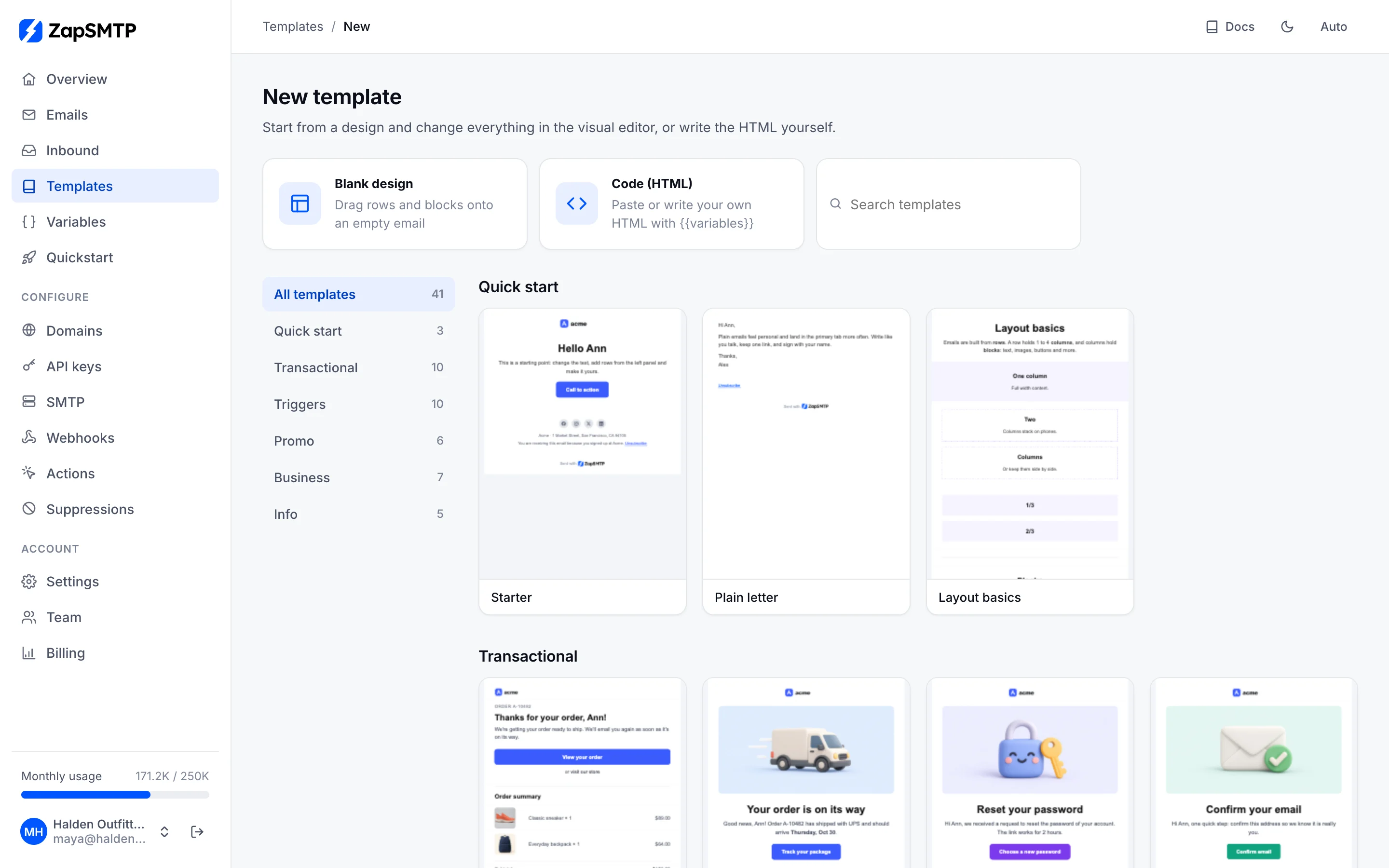
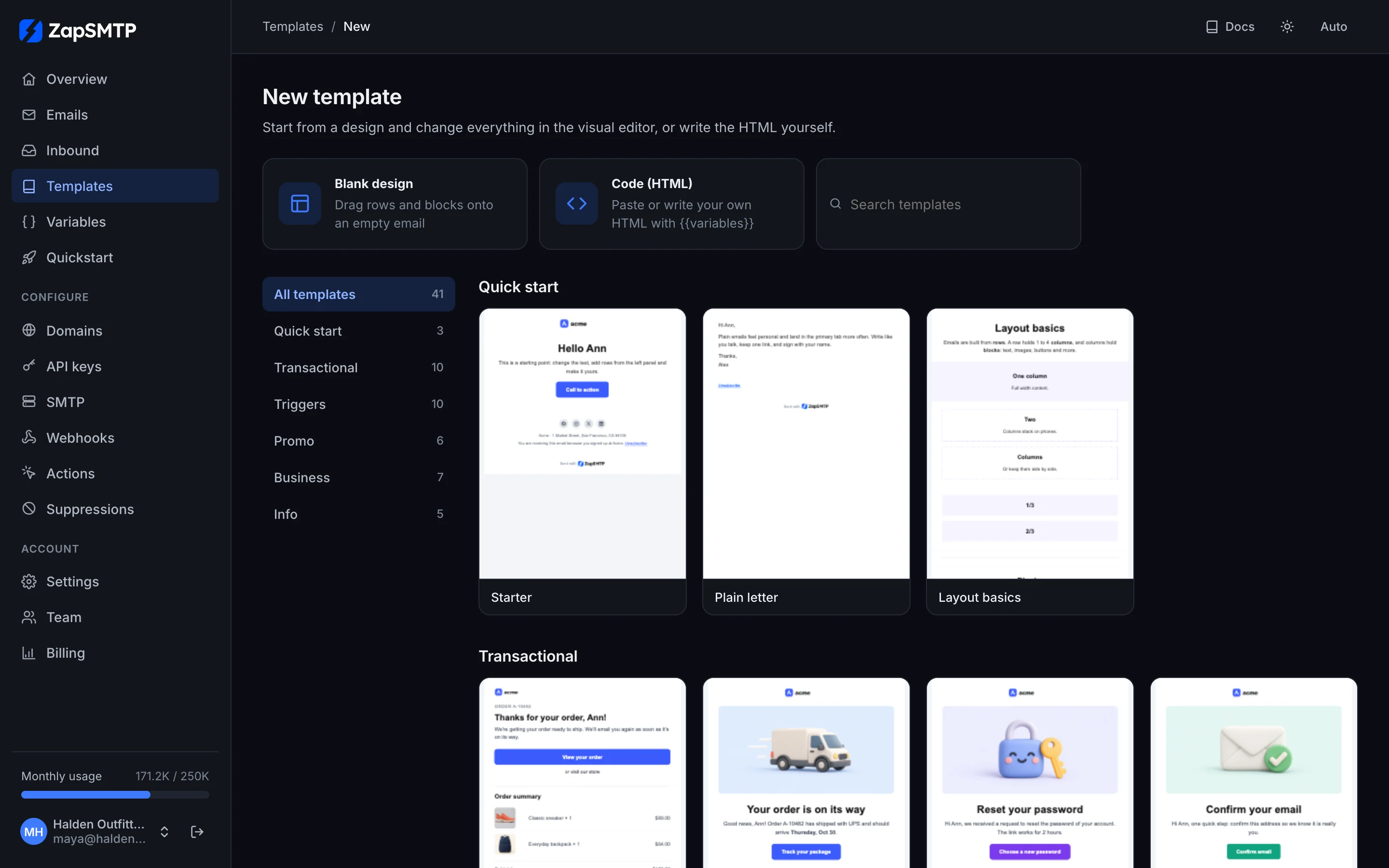
New template opens a gallery of ready designs: order and shipping updates, password resets, welcome series, promotions, newsletters, invoices and more. Every one is responsive, supports dark mode and is filled with sample data, so you see the finished email before you pick it. Start blank, or with code, from the same page.
The visual editor
Drag rows and blocks onto the email: headings, text, images, buttons, dividers, social links, menus, lists, tables, video, countdown timers and custom HTML. Click any block to change it on the right, edit text in place, and switch between desktop and mobile views as you go. Rows can repeat for each item of a list (an order's products) or appear only when a variable is set.
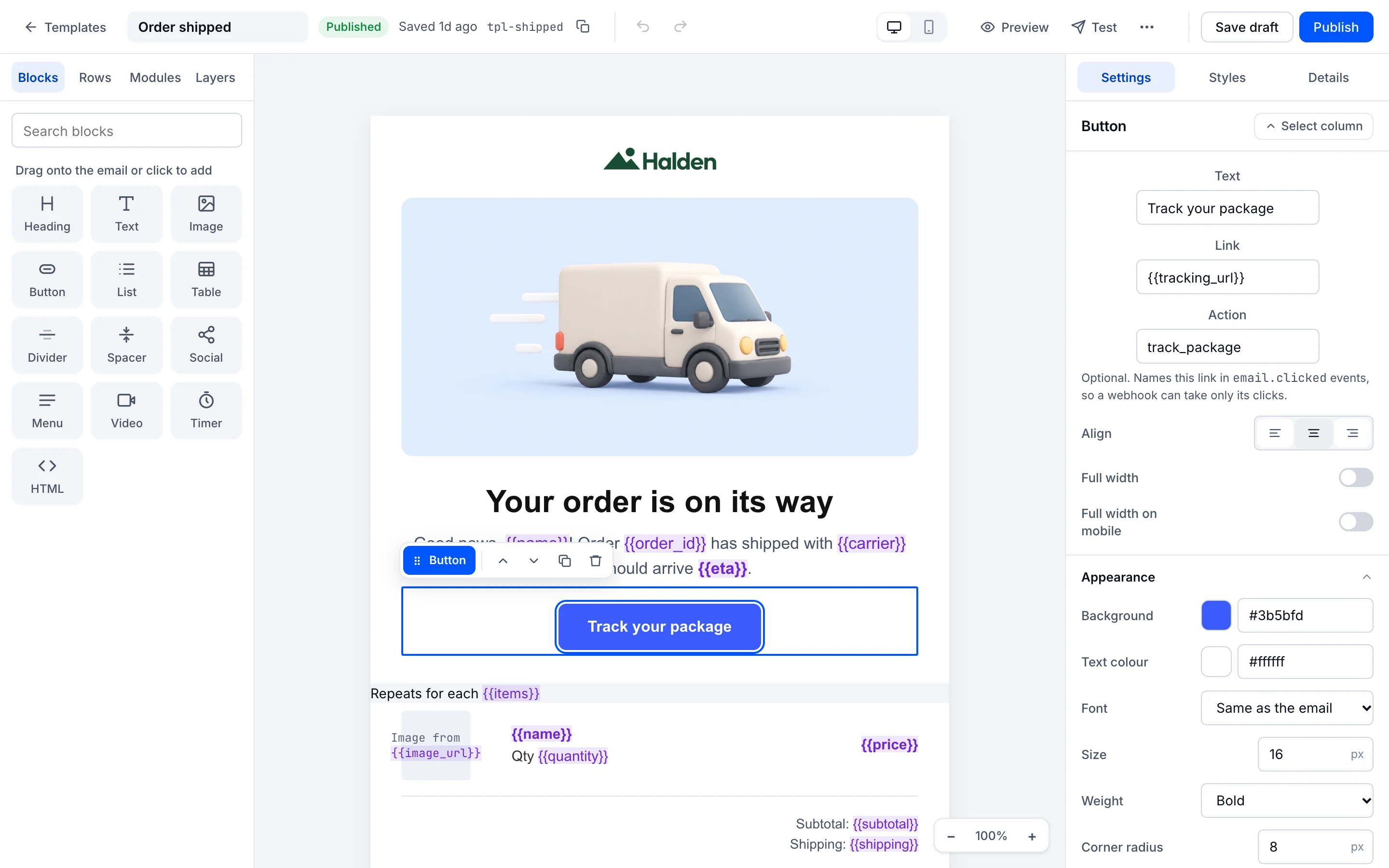
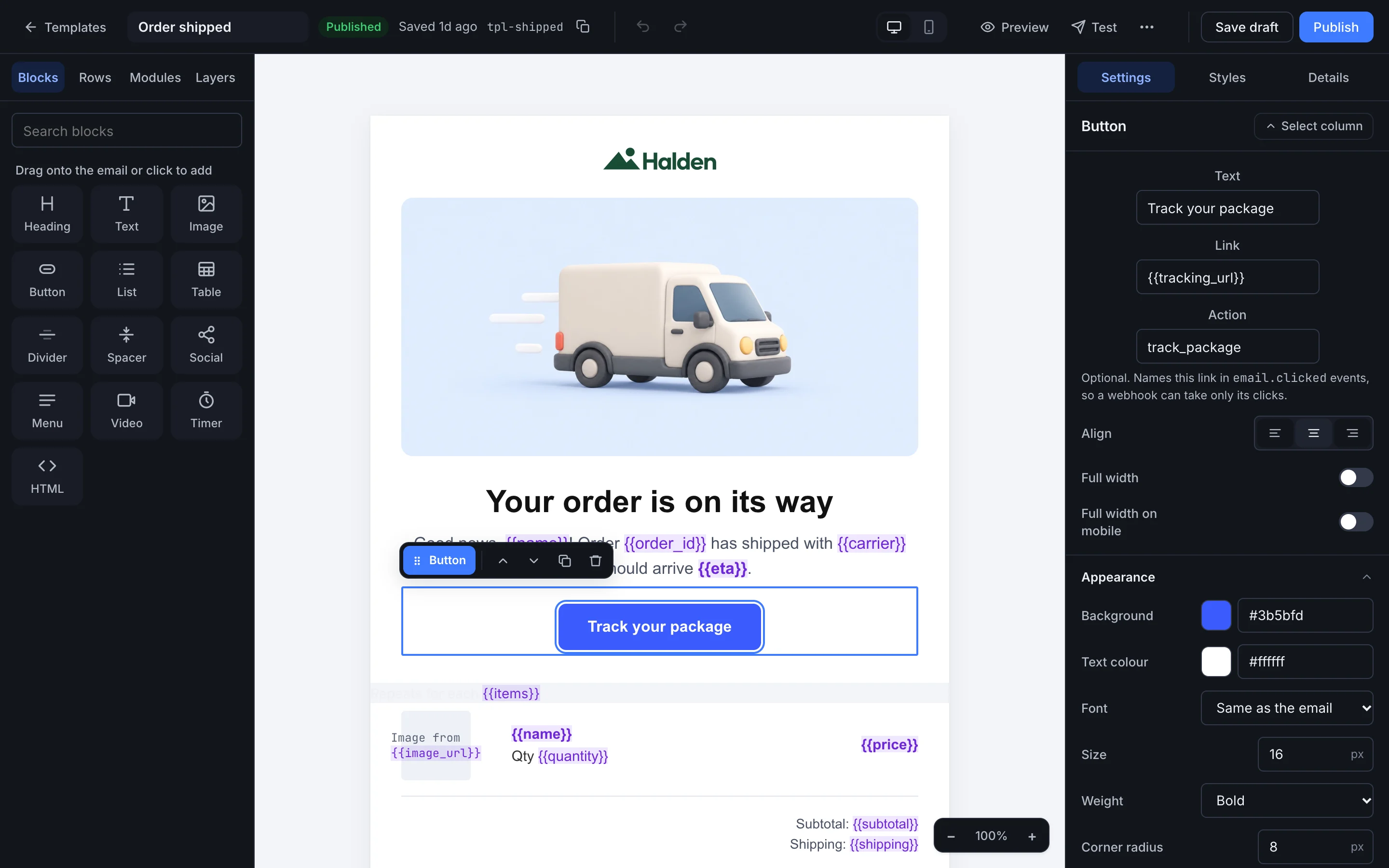
Variables are written as {{name}} and highlighted in the email. The editor keeps an undo history, saves a backup in your browser while you work, and keeps the last 50 saved versions, any of which you can preview and restore. Preview shows the email on desktop, on a phone, in dark mode and as plain text; Test sends it to your inbox; Spam check scores it with SpamAssassin and rspamd.
Writing HTML
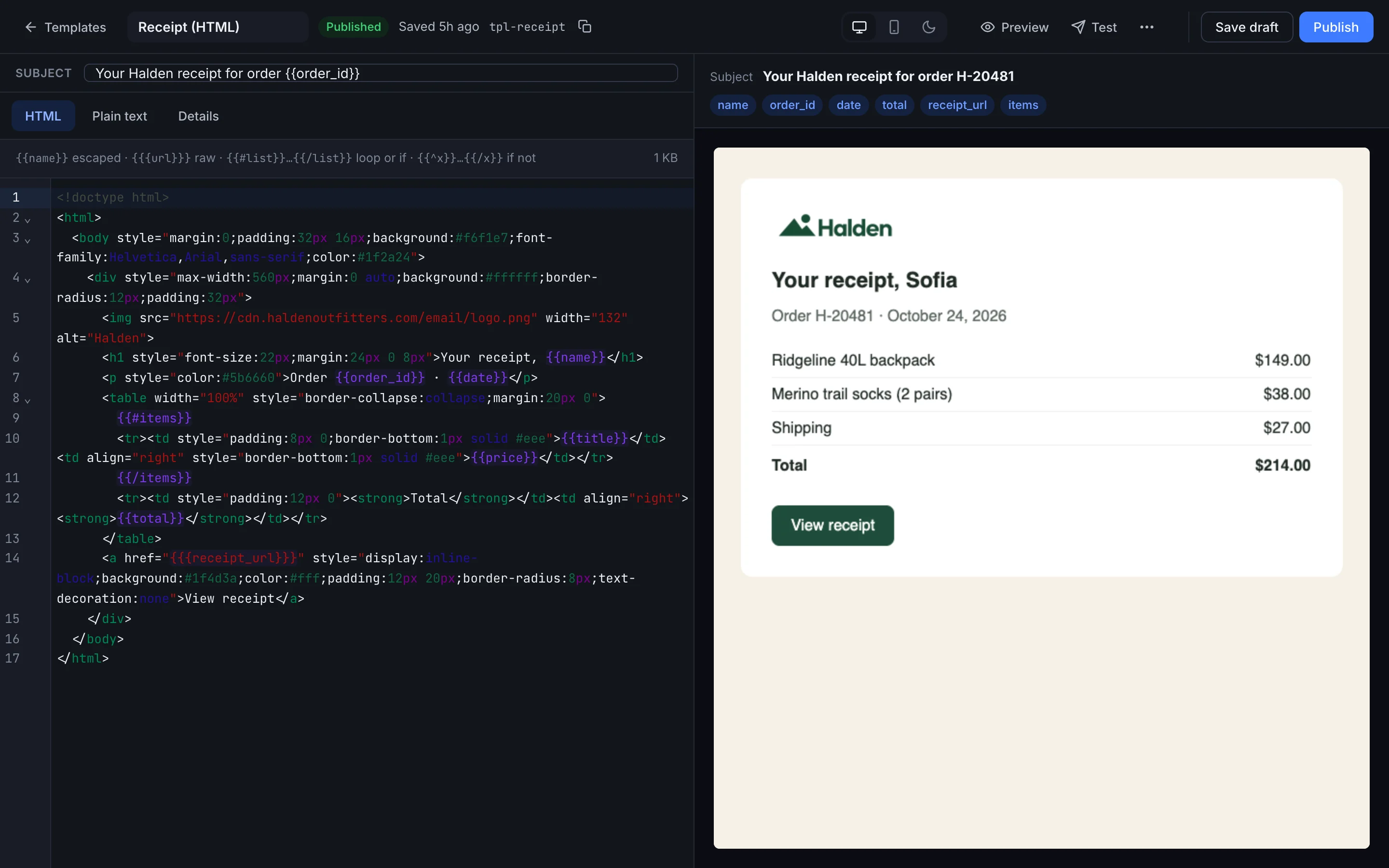
Prefer your own HTML? The code editor highlights HTML and variables, completes variable names as you type {{, and marks a template error on its line. The preview on the right renders with your sample variables as you type. The plain-text part is one click away: Generate from HTML.
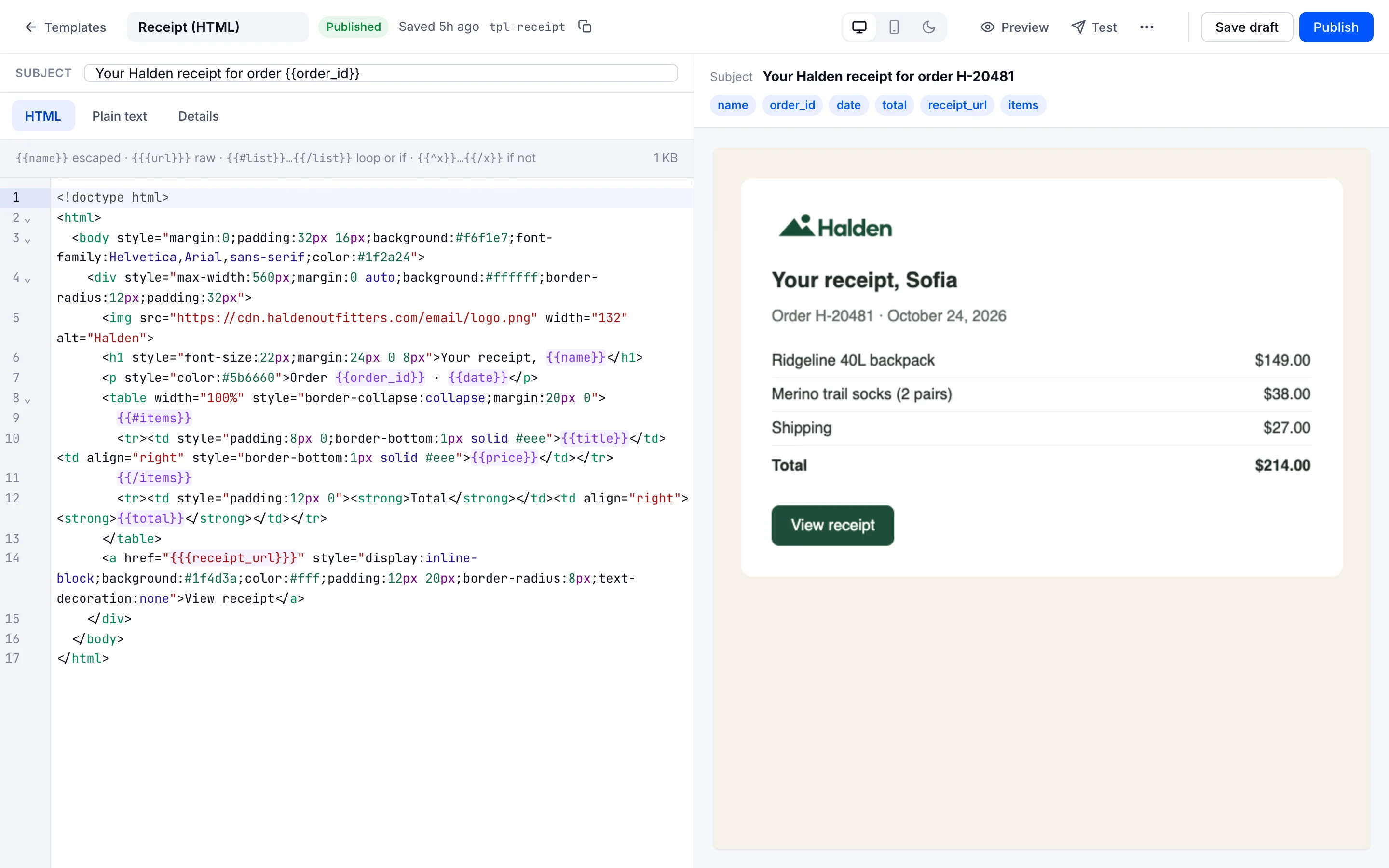
{{name}} | The value, HTML-escaped. |
|---|---|
{{{url}}} | The value as is: for links and trusted HTML. |
{{#items}}…{{/items}} | Repeats for each item of a list, or shows the part when the value is set. |
{{^items}}…{{/items}} | Shows the part when the value is empty or missing. |
{{user.plan}} | A field of an object. |
Sending with a template
Pass the template's id or alias and its variables instead of a subject and HTML. The subject, the HTML and the plain text are all rendered from the published version; a missing variable is an error, so a half-filled email never goes out.
curl -X POST https://zapsmtp.xyz/v1/emails \
  -H "Authorization: Bearer $ZAP_API_KEY" \
  -H "Content-Type: application/json" \
  -d '{
    "to": ["sofia@example.com"],
    "template": {
      "id": "order-shipped",
      "variables": { "name": "Sofia", "order_id": "H-20512", "carrier": "UPS" }
    }
  }'
Every template has a Send it example with your own variables in its Details tab. The full request is in the API reference.